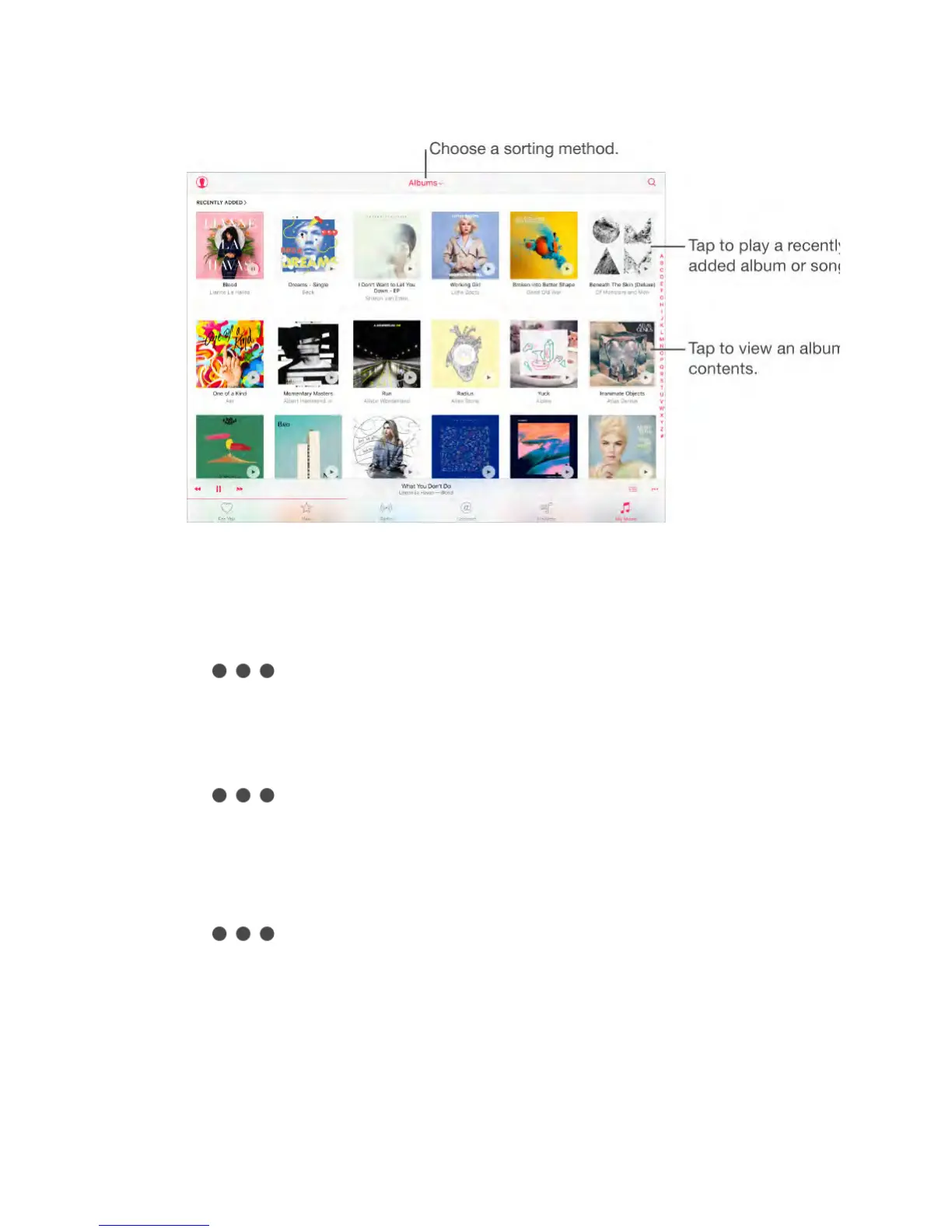
Browse and play your music.
Tap the sorting menu to display your music by Artists, Albums, Songs, and
more. Tap the album art to play a song or album. Tap the Miniplayer to display
the Now Playing screen.
Save music to iPad.
Tap next to an album or track, then tap Make Available Offline.
View only music stored on iPad.
Tap My Music, tap the sorting menu, then turn on Only Offline Music.
Remove a song stored on iPad.
Tap next to the song, then tap Remove Download. The song is
deleted from iPad, but not from iCloud Music Library.
To manage music storage on iPad, go to Settings > General > Storage & iCloud
Usage > Manage Storage > Music.
Add music to a playlist.
Tap next to an album or track, tap Add to a Playlist, then choose a
playlist.
Siri
You can use Siri to control music playback. To activate Siri, press and hold the



 To Next Page