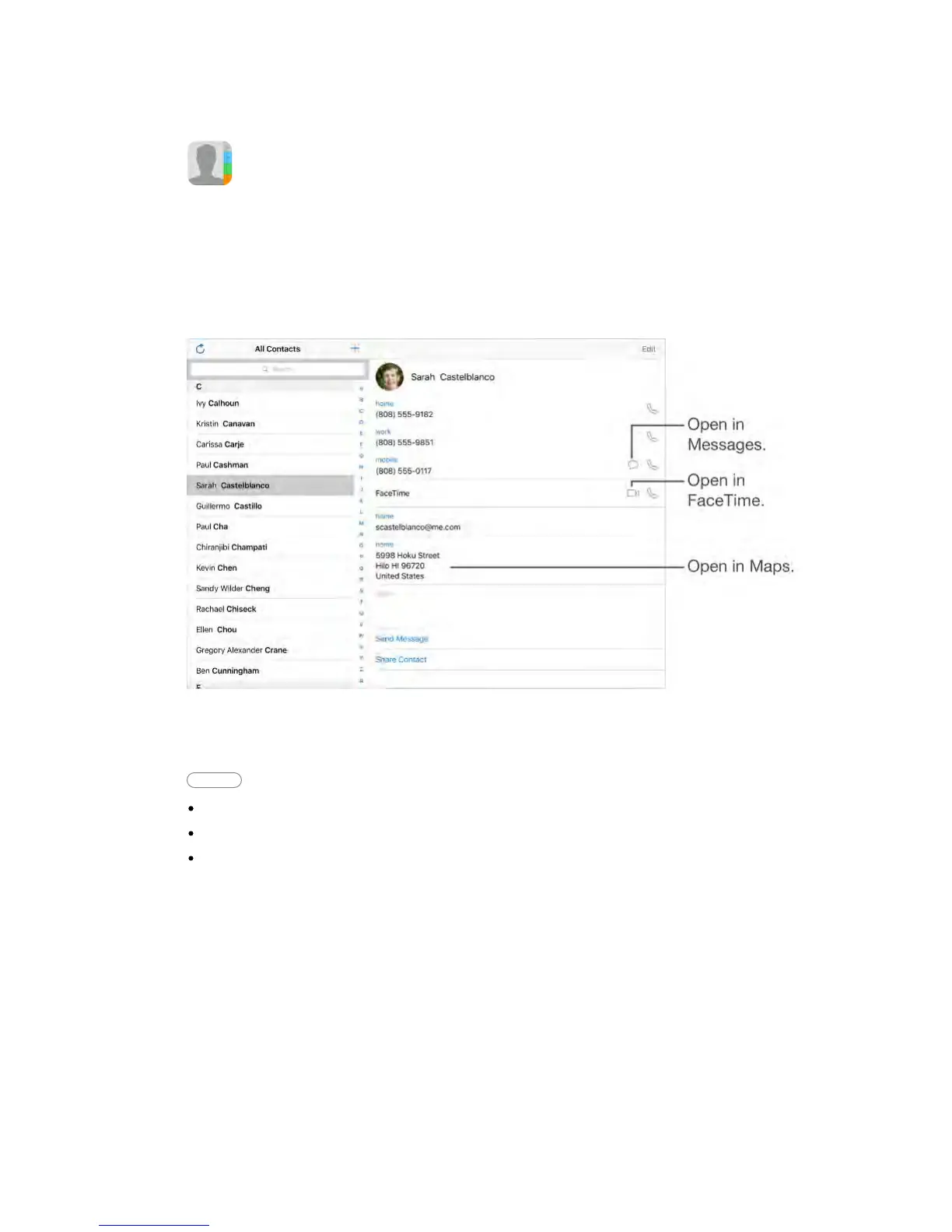
iPad lets you access and edit your contact lists from personal, business, and
other accounts.
Contacts at a glance
Set your My Info card for Safari, Siri, and other apps.
Go to Settings > Mail, Contacts, Calendars, tap My Info, then select the contact
card with your name and information.
Ask Siri Say something like:
“Sarah Castelblanco is my sister”
“Send a message to my sister”
“What’s my brother’s work address?”
Find a contact.
Tap the search field at the top of the contacts list, then enter your search. You
can also search your contacts using Search (see Search (on page) ).
Share a contact.
Tap a contact, then tap Share Contact. See Share from apps (on page) . Sharing
a contact shares all the info from the contact’s card.
Change a label.
If a field has the wrong label, such as Home instead of Work, tap Edit. Then tap
the label and choose one from the list, or tap Custom Field to create one of your
own.



 To Next Page