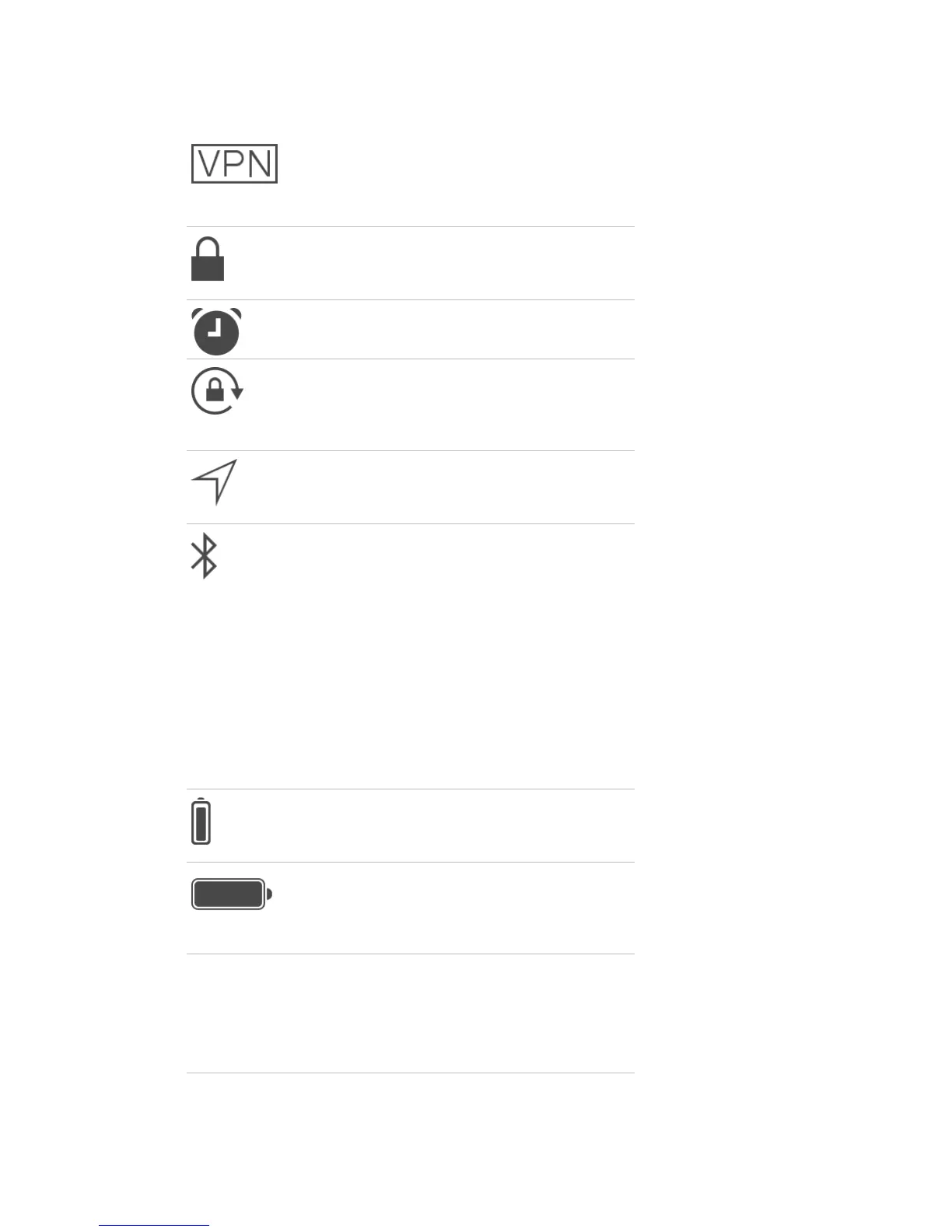
VPN iPad is connected to a
network using VPN. See
Network access (on page)
.
Lock
iPad is locked. See
Sleep/Wake button (on
page) .
Alarm
An alarm is set. See .
Orientation lock
Screen orientation is
locked. See
Change the
screen orientation (on
page) .
Location Services
An app is using Location
Services. See
Privacy (on
page) .
Bluetooth
Blue or White icon:
Bluetooth is on and
paired with a device, such
as a headset or keyboard.
Gray icon: Bluetooth is on
and paired with a device,
but the device is out of
range or turned off.
No icon: Bluetooth is not
paired with a device.
See
Bluetooth devices (on
page) .
Bluetooth battery
Shows the battery level of
a supported paired
Bluetooth device.
Battery
Shows the battery level or
charging status. See
Charge and monitor the
battery (on page) .



 To Next Page