with two fingers. To return to north, tap the compass in the upper
right.
Ask Siri Say something like:
“Find coffee near me”
“Show me the Golden Gate Bridge”
Zoom in or out.
Double-tap with one finger to zoom in; tap with two fingers to zoom out—or
pinch open or closed. The scale appears in the upper left while zooming and
when you continue touching the screen with two fingers. To change how
distance is shown (in miles or kilometers), go to Settings > Maps.
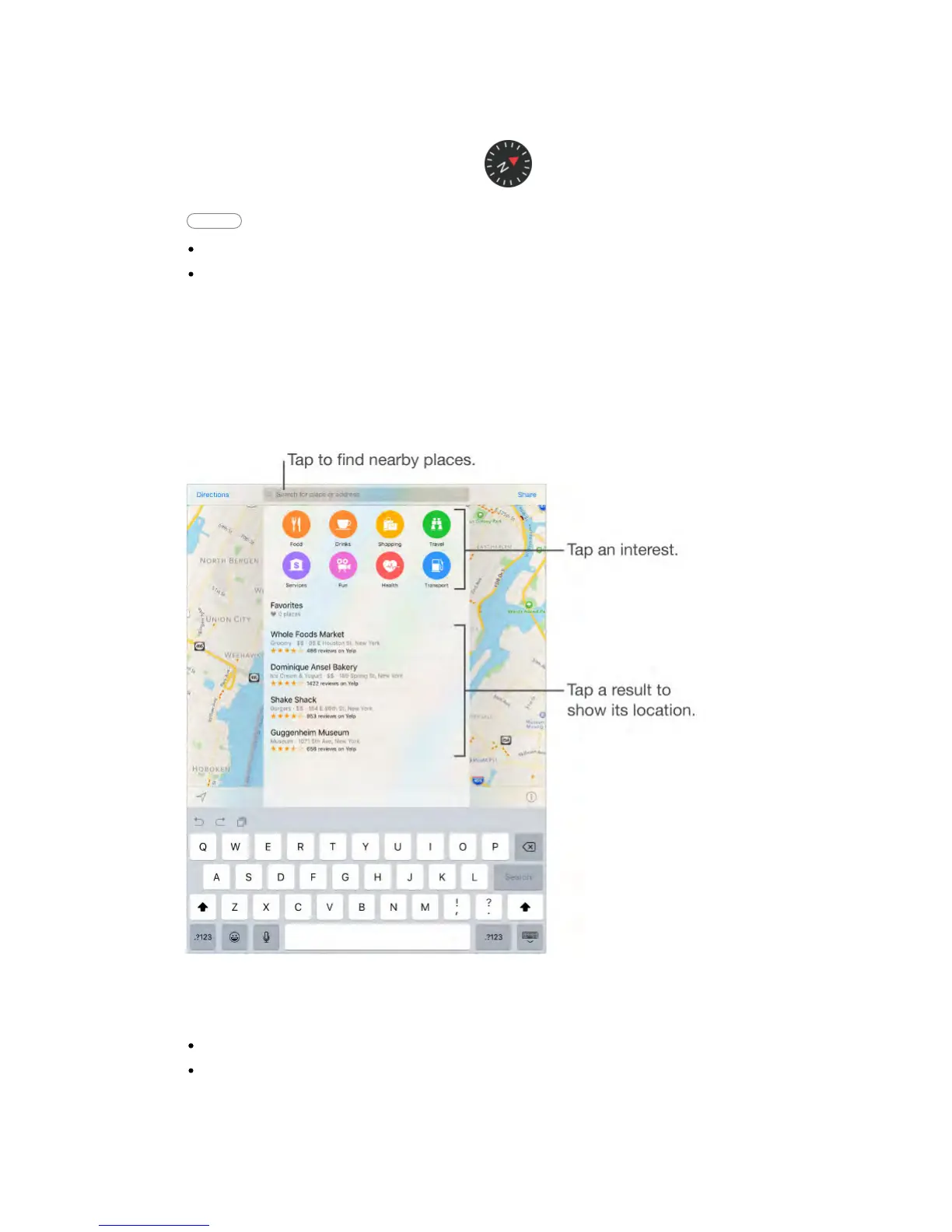
Find nearby attractions, services, and more.
Tap the search field, then choose an interest.
Search for a location.
Tap the search field. You can search for a location in different ways. For
example:
Intersection (“8th and Market”)
Area (“Greenwich Village”)



 To Next Page