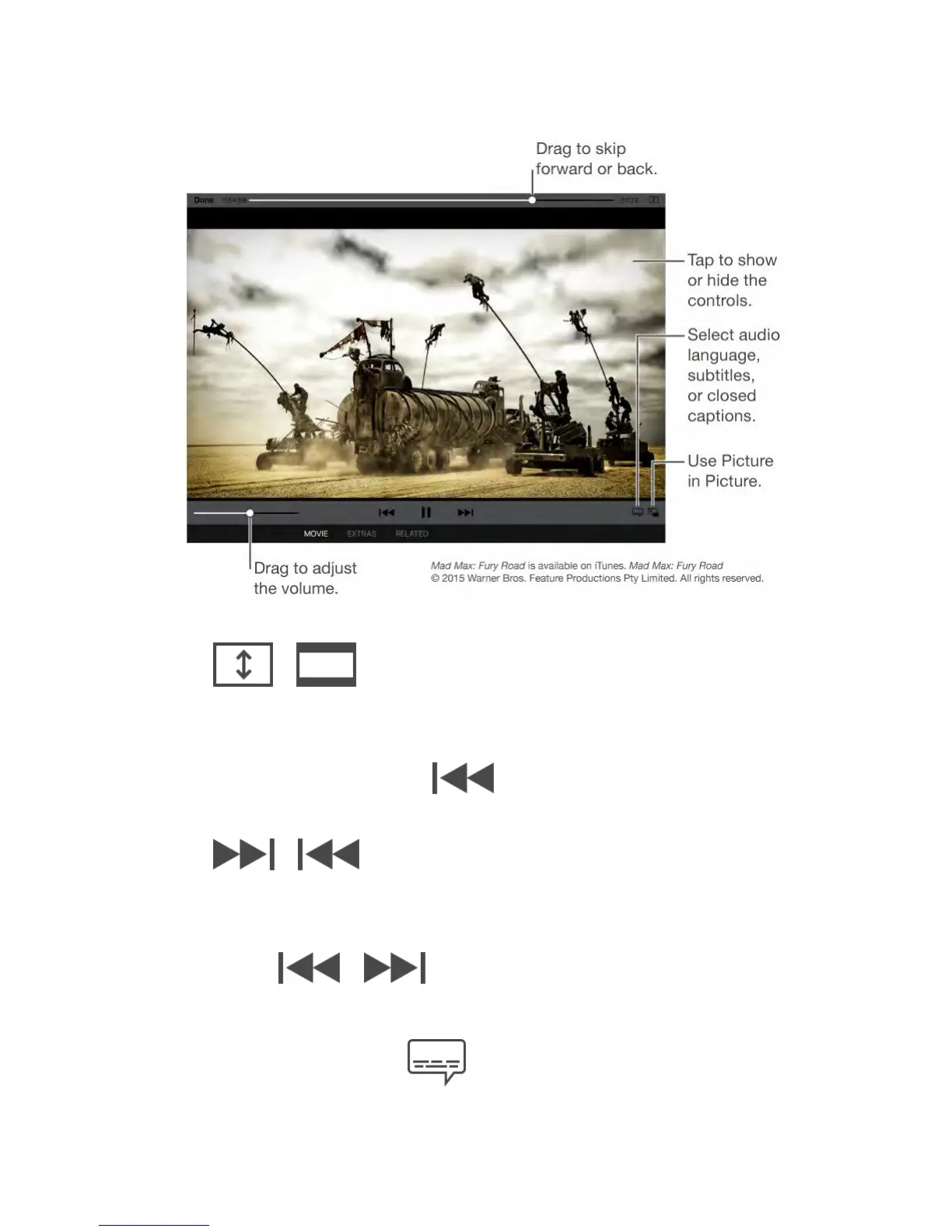
Scale the video to fill the screen or fit to the screen.
Tap or . Or double-tap the video. If you don’t see the
scaling controls, your video already fits the screen perfectly.
Start over from the beginning.
If the video contains chapters, drag the playhead along the scrubber bar all the
way to the left. If there are no chapters, tap .
Skip to the next or previous chapter.
Tap or . You can also press the center button or
equivalent on a compatible headset two times (skip to next) or three times (skip
to previous).
Rewind or fast-forward.
Touch and hold or . Or drag the playhead left or right.
Move your finger toward the bottom of the screen as you drag for finer control.
Select a different audio language.
If the video offers other languages, tap , then choose a language



 To Next Page