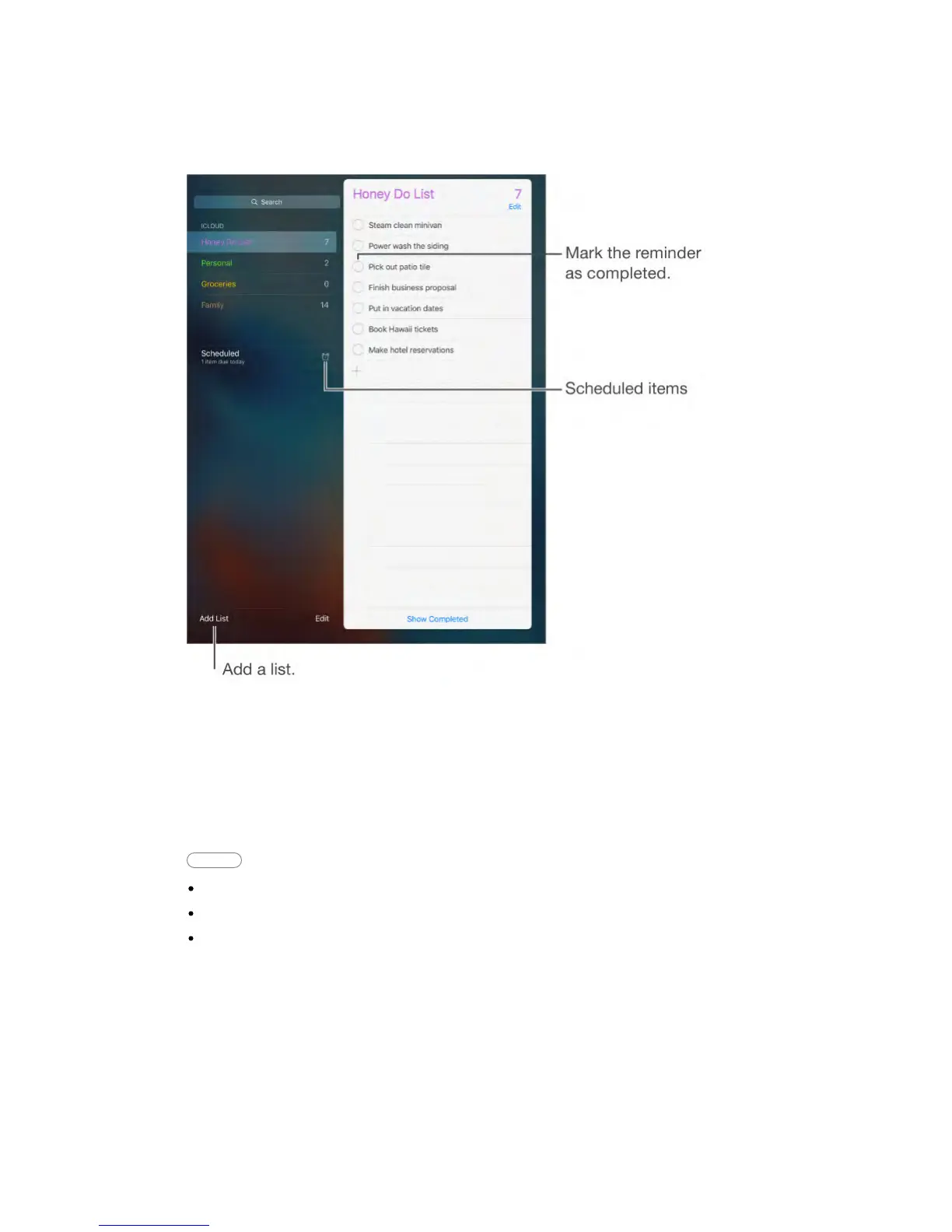
Reminders lets you keep track of all the things you need to do.
Add a reminder.
Tap a list, then tap a blank line.
Share a list.
Tap a list, then tap Edit. Tap Sharing, then tap Add Person. The people you
share with also need to be iCloud users. After they accept your invitation to
share the list, you’ll all be able to add, delete, and mark items as completed.
Family members can also share a list. See Family Sharing (on page) .
Ask Siri Say something like:
“Remember to take an umbrella”
“Add artichokes to my groceries list”
“Read my work to-do list”
Delete a list.
While viewing a list, tap Edit, then tap Delete List. All of the reminders in the list
are also deleted.
Delete a reminder.
Swipe the reminder left, then tap Delete.
Change the order of lists or reminders.



 To Next Page