When you take a photo, iPad makes a shutter sound. You can use the volume
buttons on the side of iPad to control the volume of the shutter sound, or mute it
by setting the Side Switch to silent. See Volume buttons (on page) .
Note: In some regions, sound effects are played even if the Side Switch is set
to silent.
Take a photo.
Aim iPad and tap the shutter button.
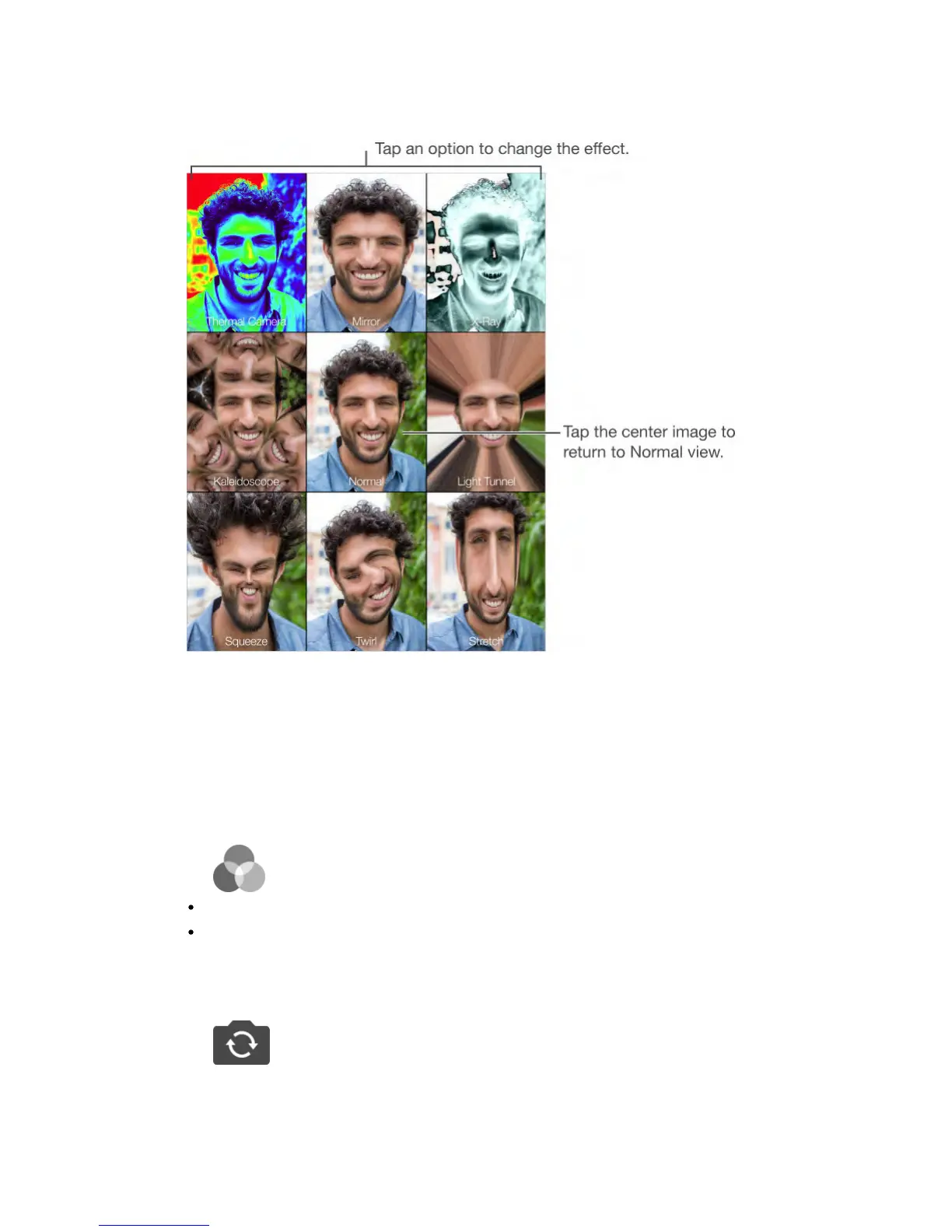
Select an effect.
Tap , then tap the effect you want.
Change a distortion effect: Drag your finger across the screen.
Alter a distortion: Pinch, swipe, or rotate the image.
What have you done?
Tap the thumbnail of your last shot. To display the controls again, tap the screen.
Switch between cameras.
Tap at the bottom of the screen.



 To Next Page