iTunes library to iPad in iTunes. This is useful if your iTunes library contains more
items than can fit on your iPad.
Note: If you use iTunes Match or have iCloud Music Library turned on, you can
manually manage only video.
Connect iPad to your computer
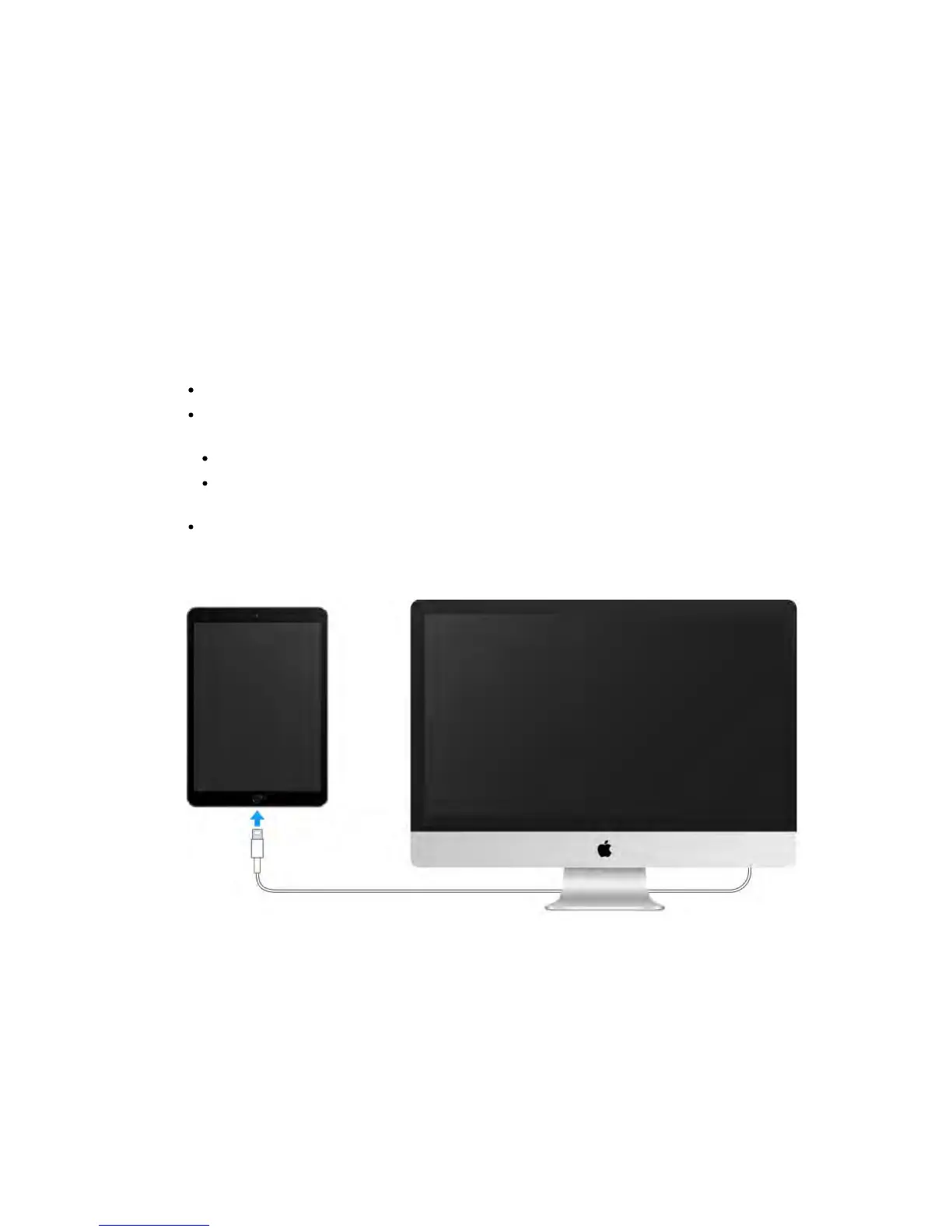
Connecting iPad to your computer lets you sync content using iTunes. You can
also sync with iTunes wirelessly. See Sync with iTunes.
To use iPad with your computer, you need:
An Internet connection for your computer (broadband is recommended)
A Mac with a USB 2.0 or 3.0 port, or a PC with a USB 2.0 port, and one of the
following operating systems:
OS X version 10.6.8 or later
Windows 8, Windows 7, Windows Vista, or Windows XP Home or
Professional with Service Pack 3 or later
iTunes, available at www.itunes.com/download/
Connect iPad to your computer.
Use the included Lightning to USB Cable or 30-pin to USB Cable.
Unless iPad is actively syncing with your computer, you can disconnect it at any
time. Look at the top of the iTunes screen on your computer or on iPad to see if
syncing is in progress. If you disconnect iPad while it’s syncing, some data may
not get synced until the next time you connect iPad to your computer.
Sync with iTunes



 To Next Page