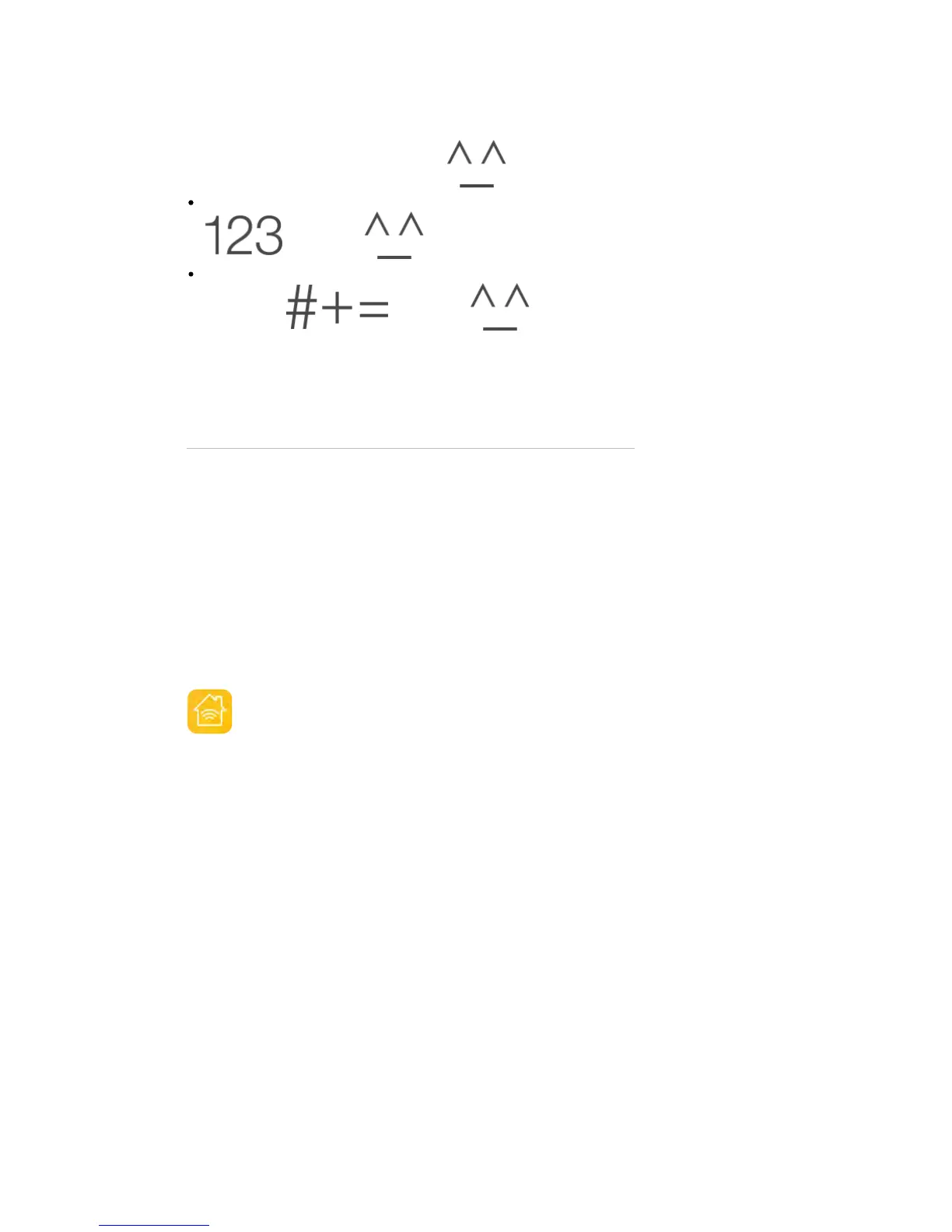
Use the Japanese Kana keyboard and tap the key. Or you can:
Use the Japanese Romaji keyboard (QWERTY-Japanese layout): Tap
, then tap the key.
Use the Chinese (Simplified or Traditional) Pinyin or (Traditional) Zhuyin
keyboard: Tap , then tap the key.
HomeKit
HomeKit basics
With HomeKit, you can use iPad to control any “Works with Apple HomeKit”
accessory that you have in your home, such as lights, locks, thermostats, smart
plugs, and more.
HomeKit allows you to create commands or scenes to control home settings.
For example, you can create a scene to turn off the lights, lock the doors, close
the garage door, and set the thermostat to the desired temperature, all with one
command. HomeKit also provides an easy, secure way to control HomeKit-
enabled accessories using Siri.
HomeKit is organized around three types of locations: homes, rooms, and
zones. Each home contains rooms, such as “bedroom,” and you can group
rooms into zones, such as “upstairs.”



 To Next Page