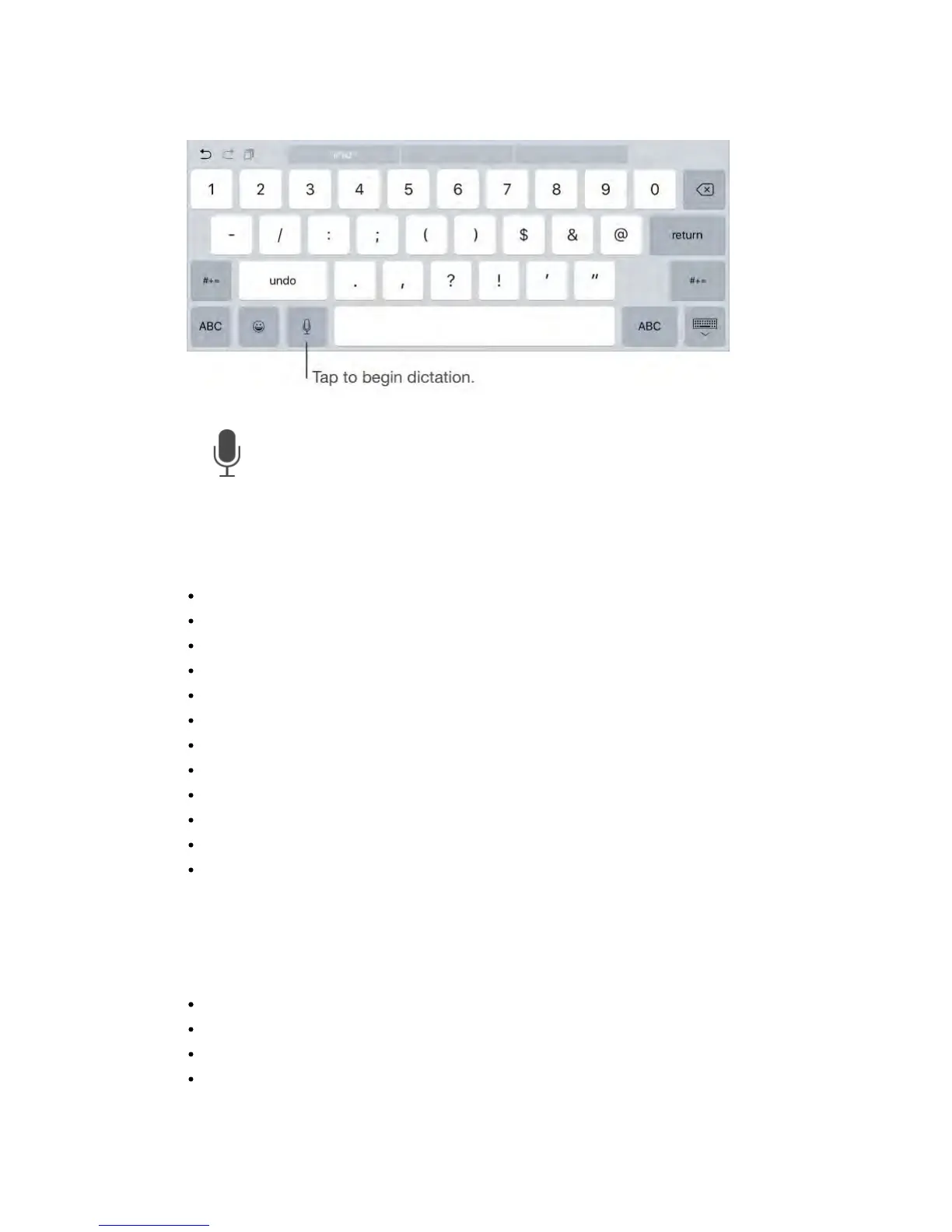
Add text.
Tap again and continue dictating. To insert text, tap to place the insertion
point first. You can also replace selected text by dictating.
Add punctuation or format text.
Say the punctuation or format. For example, “Dear Mary comma the check is in
the mail exclamation mark” becomes “Dear Mary, the check is in the mail!”
Punctuation and formatting commands include:
quote … end quote
new paragraph
new line
cap—to capitalize the next word
caps on … caps off—to capitalize the first character of each word
all caps—to make the next word all uppercase
all caps on … all caps off—to make the enclosed words all uppercase
no caps on … no caps off—to make the enclosed words all lowercase
no space on … no space off—to run a series of words together
smiley—to insert :-)
frowny—to insert :-(
winky—to insert ;-)
Search
You can search iPad, the Internet, and apps for useful information, including:
Sports scores and schedules
Weather forecasts
Stock prices
Quick conversions



 To Next Page