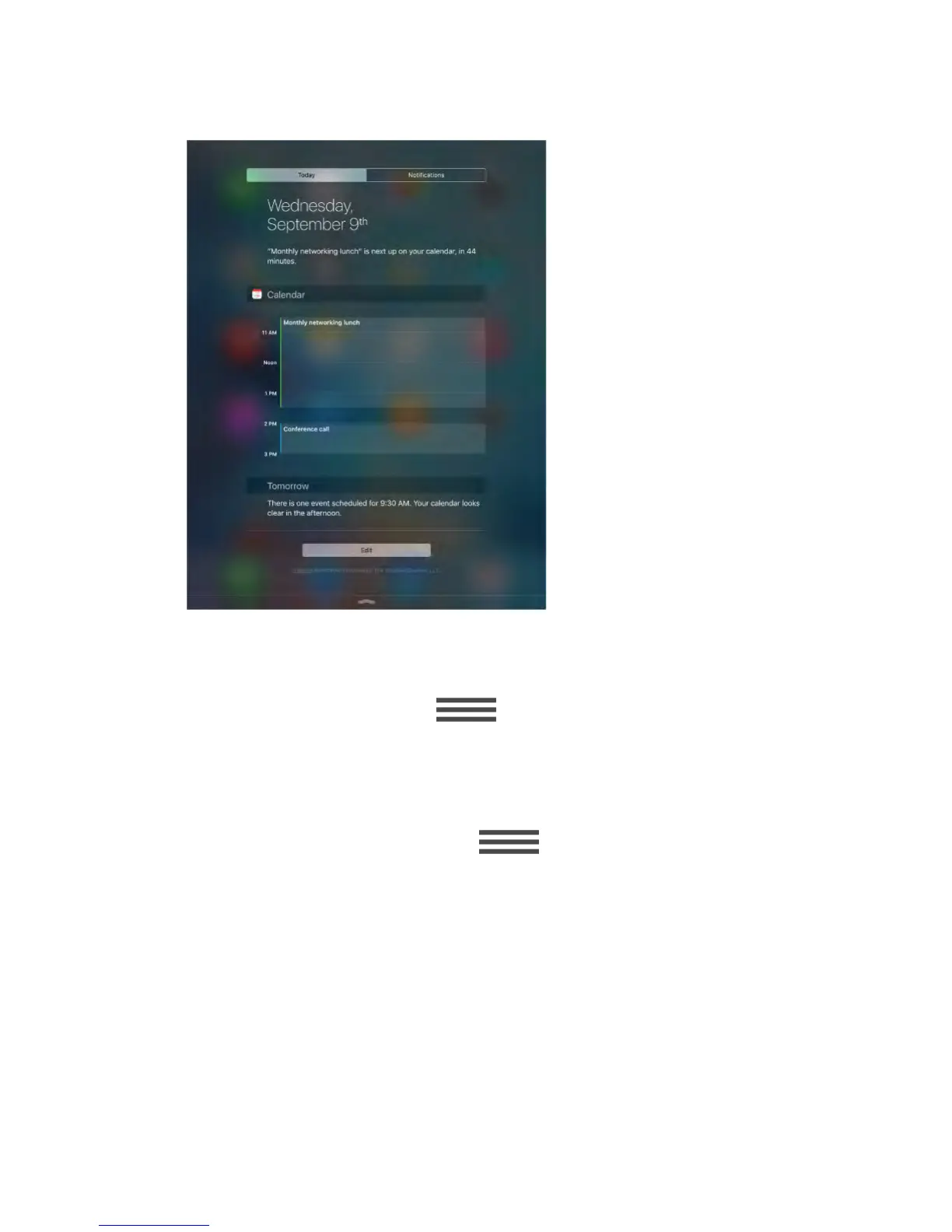
Set Today options.
To choose what information appears, tap the Edit key at the end of your
information on the Today tab. Tap + or — to add or remove information. To
arrange the order of your information, touch , then drag it to a new
position.
Set notification options.
Go to Settings > Notifications. Tap an app to set its notification options. For
example, choose to view a notification from the Lock screen. You can also tap
Edit to arrange the order of app notifications. Touch , then drag it to
a new position.
Choose whether to show Today and Notifications View on a locked screen.
Go to Settings > Touch ID & Passcode (iPad Air 2, iPad Pro, iPad mini 3 and
later) or Settings > Passcode (other models), then choose whether to allow
access when locked.
Close Notification Center.
Swipe up, or press the Home button.



 To Next Page