information.
Tap the More button, then touch and drag to move items to new
positions.
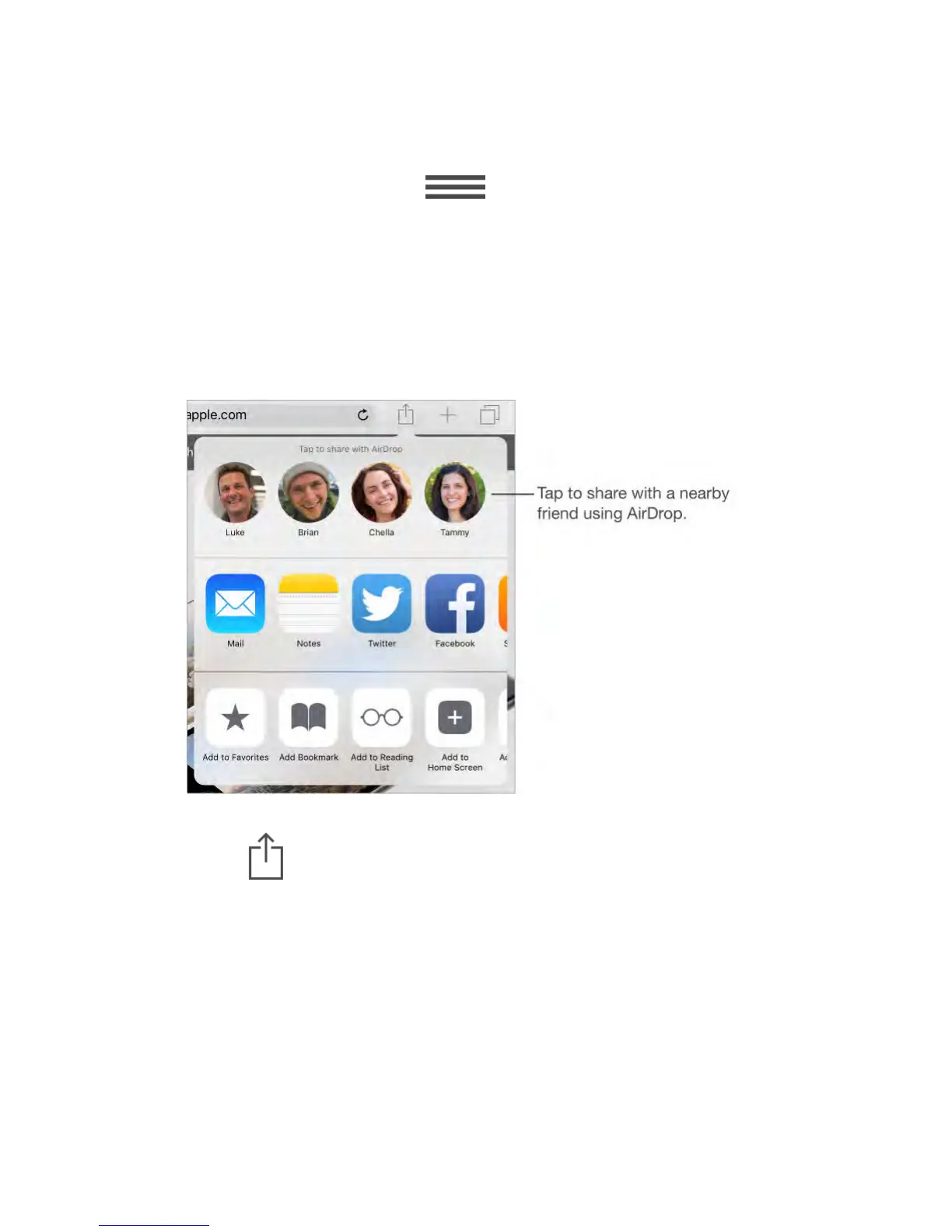
AirDrop
AirDrop lets you share your photos, videos, websites, locations, and other items
wirelessly with other nearby devices (iOS 7 or later). With iOS 8, you can share
with Mac computers with OS X Yosemite or later. AirDrop transfers information
using Wi-Fi and Bluetooth—both must be turned on. To use AirDrop, you need
to be signed in to iCloud using your Apple ID. Transfers are encrypted for
security.
Share an item using AirDrop.
Tap Share , then tap the name of a nearby AirDrop user.
Receive AirDrop items from others.
Swipe up from the bottom edge of the screen to open Control Center. Tap
AirDrop, then choose to receive items from Contacts only or from Everyone. You
can accept or decline each request as it arrives.
Family Sharing
With Family Sharing, up to six family members can share their iTunes Store,
iBooks Store, and App Store purchases, a family calendar, and family photos, all
without sharing accounts.
One adult in your household—the family organizer—invites family members to



 To Next Page