iPhone and iPad users you exchange messages with over their cellular data
network.
Send and receive messages
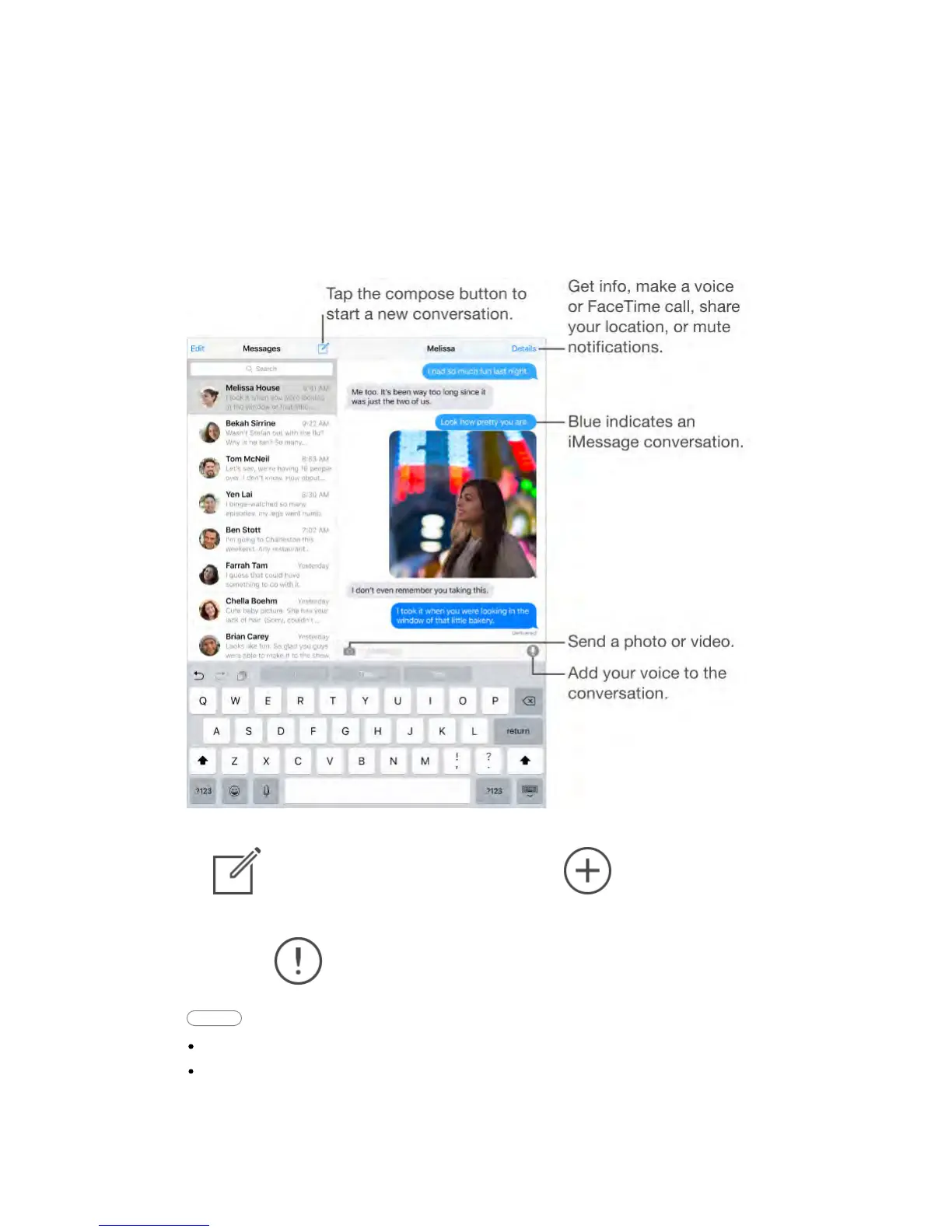
Start a conversation.
Tap , then enter a phone number or email address, or tap ,
then choose a contact. You can also start a conversation by tapping a phone
number in Contacts, Calendar, or Safari.
Note: An alert appears if a message can’t be sent. Tap the alert in a
conversation to try sending the message again.
Ask Siri Say something like:
“Send a message to Emily saying how about tomorrow”
“Read my messages”



 To Next Page