Keep it quiet.
Tap Details, then turn on Do Not Disturb to mute notifications for the
conversation.
Block unwanted messages.
On a contact card, tap Block this Caller. You can see someone’s contact card
while viewing a message by tapping Details, then tapping . You can
also block callers in Settings > Messages > Blocked. You won’t receive
FaceTime calls or text messages from blocked callers. For more information
about blocking calls, see support.apple.com/HT201229.
Filter unknown senders.
Go to Settings > Messages, then turn on Filter Unknown Senders. This turns off
notifications for iMessages from people who are not in your contacts and sorts
them into a separate Messages list. When you view a message from an
unknown sender, tap Report Junk (below the message) to delete it and send it to
Apple.
Manage conversations
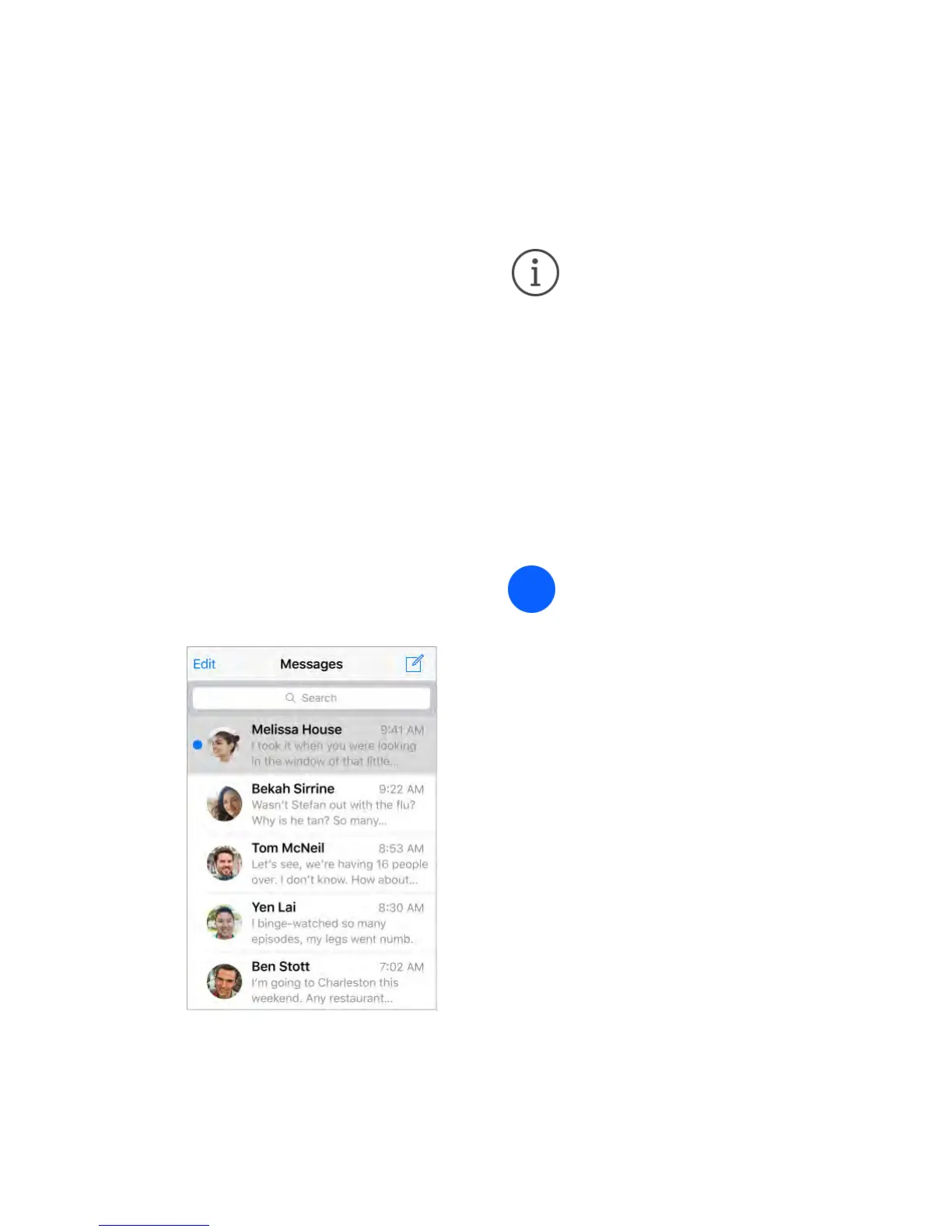
Conversations are saved in the Messages list. A blue dot indicates
unread messages. Tap a conversation to view or continue it.
Forward a message or attachment.
Touch and hold a message or attachment, tap More, select additional items if



 To Next Page