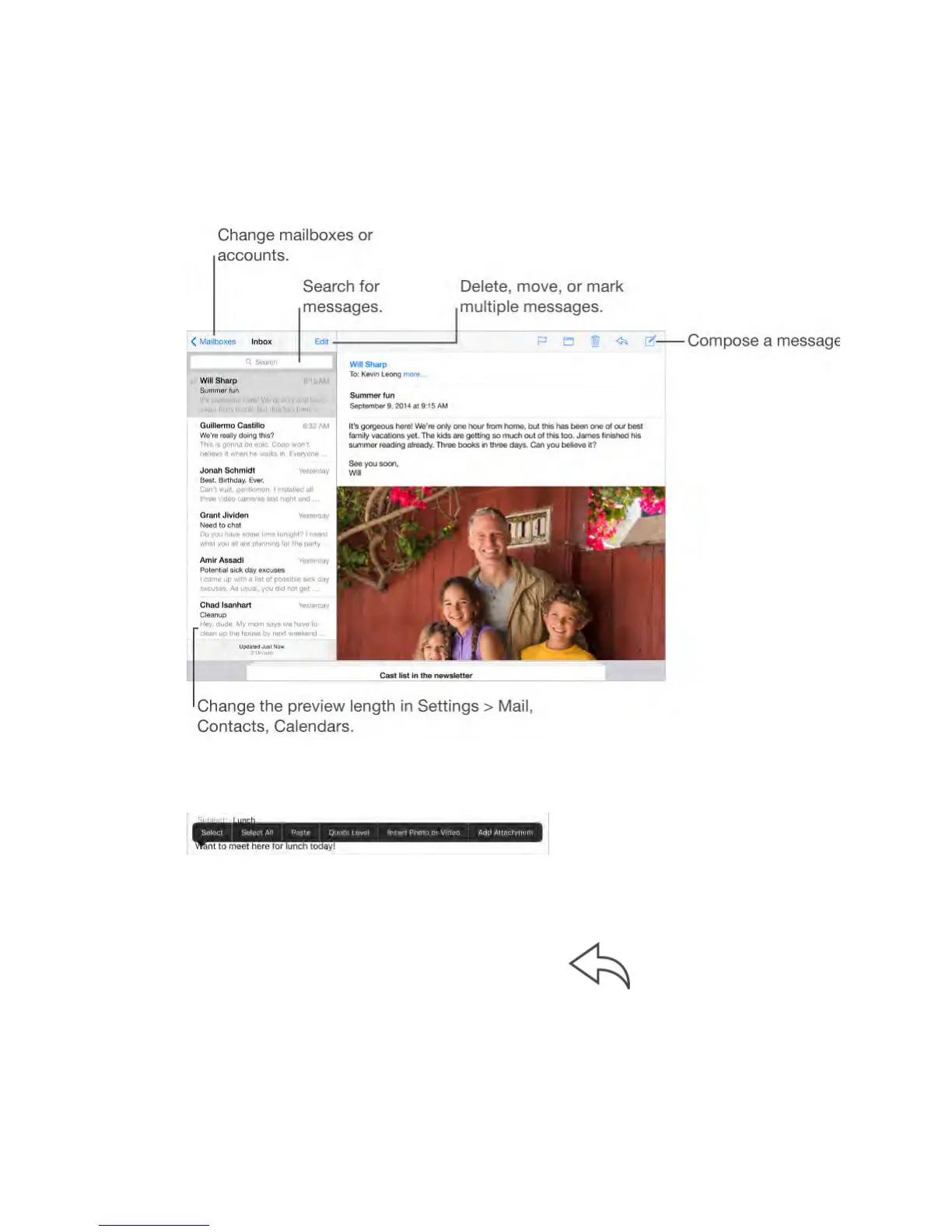
Write messages
WARNING: For important information about avoiding distractions that could
lead to dangerous situations, see Important safety information (on page) .
Add attachments.
Double-tap, tap Add Attachment, then select files from iCloud Drive.
Insert a photo or video.
Double-tap, then tap Insert Photo or Video. Also see Edit text (on page) .
Quote some text when you reply.
Tap the insertion point, then select the text you want to include. Tap
, then tap Reply. You can turn off the indentation of the quoted text in Settings >
Mail, Contacts, Calendars > Increase Quote Level.
Send a message from a different account.
Tap the From field to choose an account.



 To Next Page