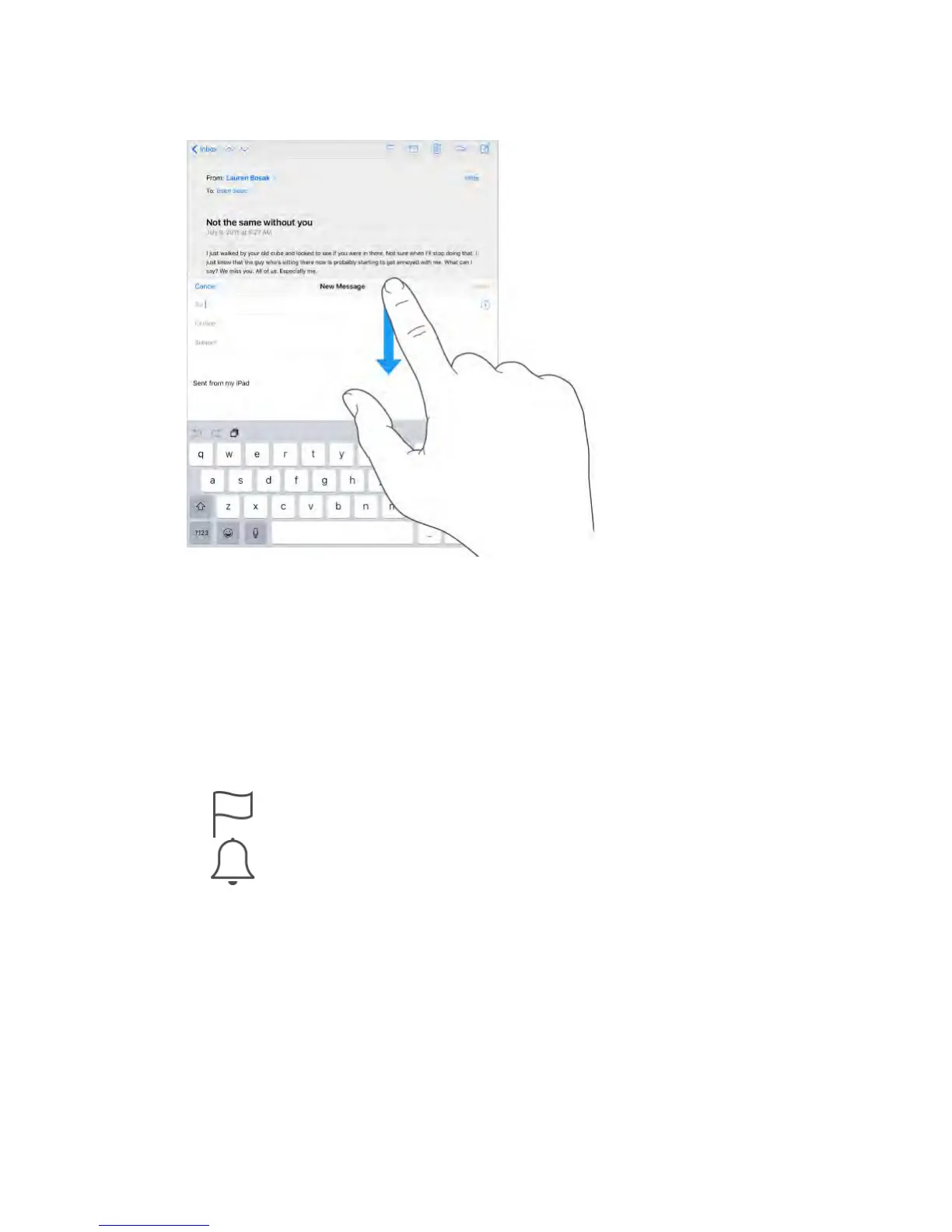
Save a draft for later.
If you’re writing a message and want to finish it later, tap Cancel, then tap Save
Draft. To get it back, touch and hold Compose.
With OS X Yosemite or later, you can also hand off unfinished messages with
your Mac. See About Continuity features (on page) .
See important messages
Get notified of replies to a message or thread.
Tap , then tap Notify Me. While you’re writing a message, you can also
tap in the Subject field. To change how notifications appear, go to
Settings > Notifications > Mail > Thread Notifications.
Gather important messages.
Add important people to your VIP list, so all their messages appear in the VIP
mailbox. Tap the sender’s name in a message, then tap Add to VIP. To change
how notifications appear, go to Settings > Notifications > Mail > VIP.
Get notified of important messages.
Notification Center lets you know when you receive messages in favorite
mailboxes or messages from your VIPs. Go to Settings > Notifications > Mail.
Flag a message so you can find it later.



 To Next Page