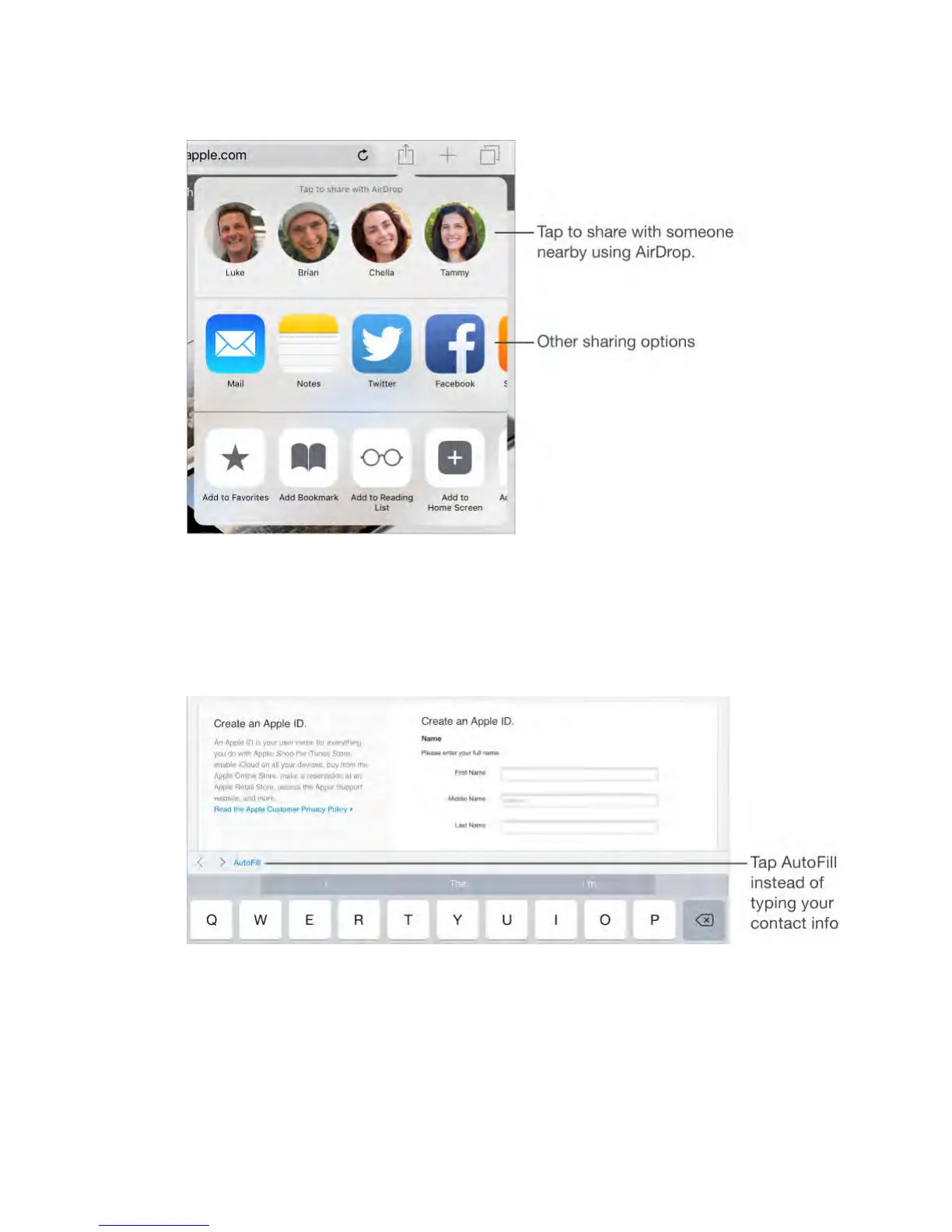
Fill in forms
Whether you’re logging in to a website, signing up for a service, or making a
purchase, you can fill in a web form using the onscreen keyboard or have Safari
fill it in for you using AutoFill.
Tired of always having to log in?
When you’re asked if you want to save the password for the site, tap Yes. The
next time you visit, your user name and password will be filled in for you.
Fill in a form.



 To Next Page