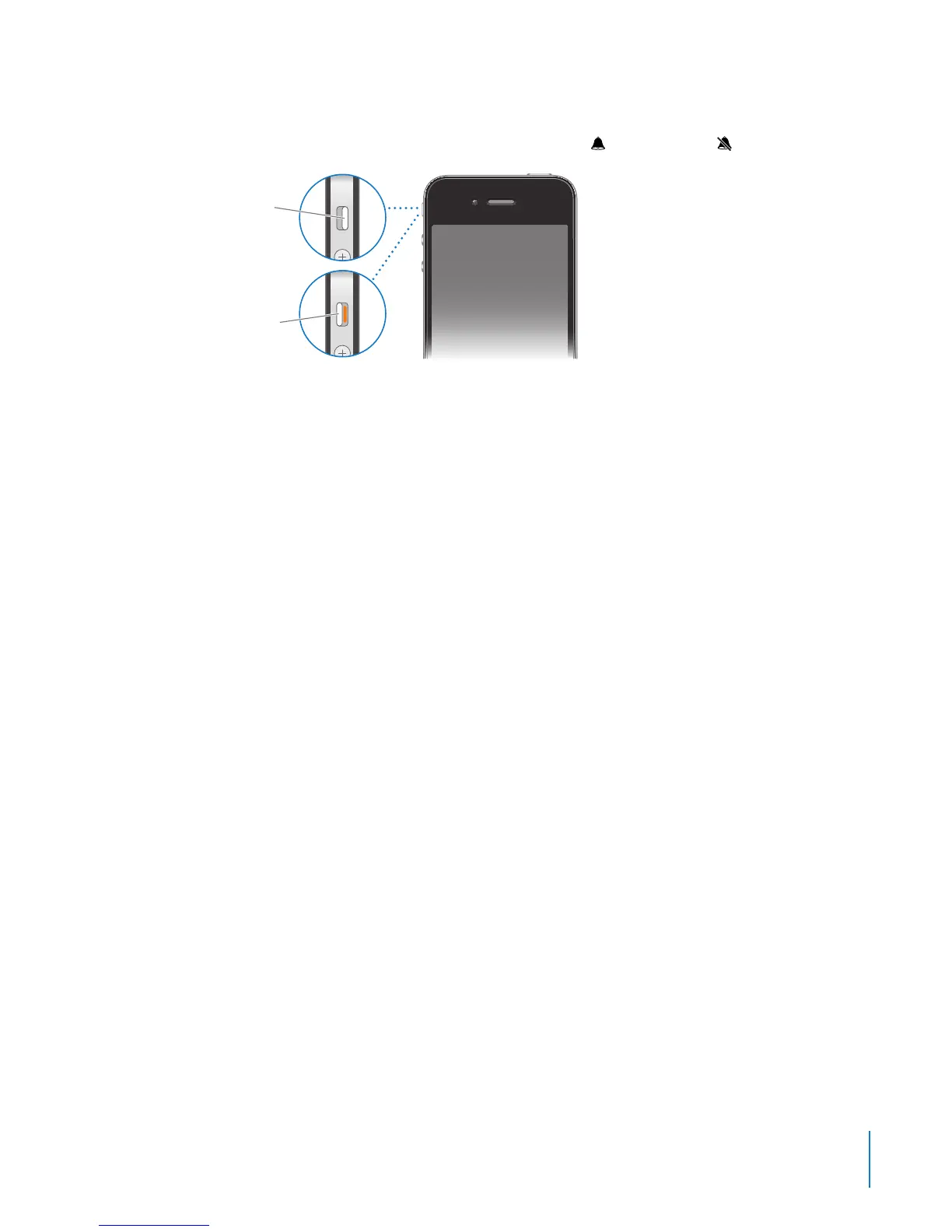
In ring mode, iPhone plays all sounds. In silent mode, iPhone doesn’t ring or play alerts
and other sound eects.
Important: Clock alarms, audio apps such as iPod, and many games still play sounds
through the built-in speaker when iPhone is in silent mode.
By default, when you get a call, iPhone vibrates whether it’s in ring mode or silent
mode. If iPhone is in ring mode, you can silence a call by pressing the On/O
Sleep/Wake button or one of the volume buttons. Press a second time to send the
call to voicemail.
For information about changing sound and vibrate settings, see “Sounds and the
Ring/Silent Switch” on page 191.
13
Chapter 1 iPhone at a Glance



 To Next Page