Trimming Voice Memos
You can trim the beginning or ending of a voice memo to eliminate unwanted pauses
or noise.
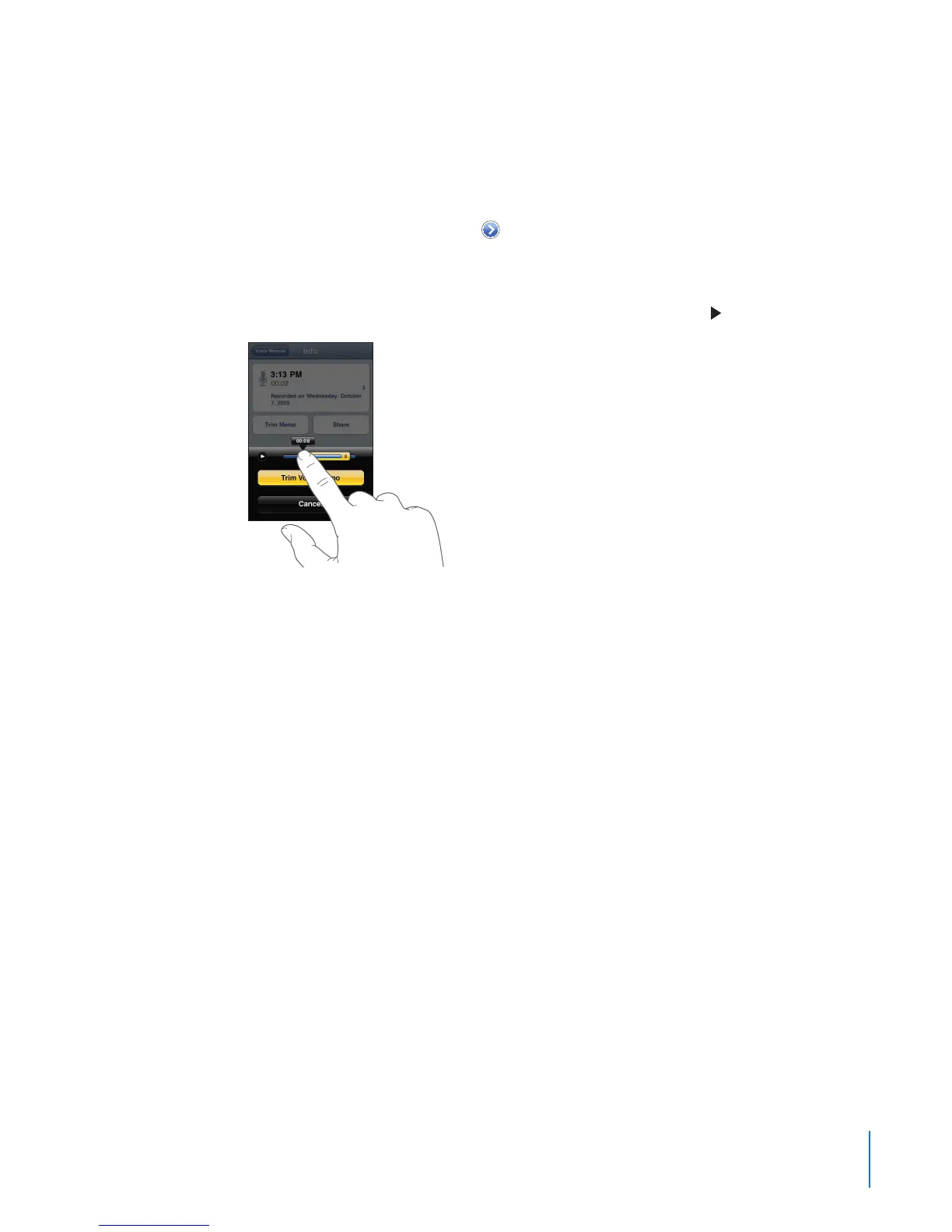
Trim a voice memo:
1 On the Voice Memos screen, tap next to the memo you want to trim.
2 Tap Trim Memo.
3 Using the time markers as a guide, drag the edges of the audio region to adjust the
beginning and end of the voice memo. To preview your edit, tap .
4 Tap Trim Voice Memo.
Important: Edits you make to voice memos can’t be undone.
Sharing Voice Memos
You can share your voice memos as attachments in email or MMS messages.
Share a voice memo:
1 Select a voice memo on the Voice Memos screen, then tap Share.
You can also tap Share on the Info screen of a voice memo.
2 Choose Email to open a new message in Mail with the memo attached, or choose
MMS to open a new message in Messages.
A message appears if the le you’re trying to send is too large.
163
Chapter 21 Voice Memos



 To Next Page