iBooks
28
About iBooks
iBooks is a great way to read and buy books. Download the free iBooks app from
the App Store, and then get everything from classics to best sellers from the built-in
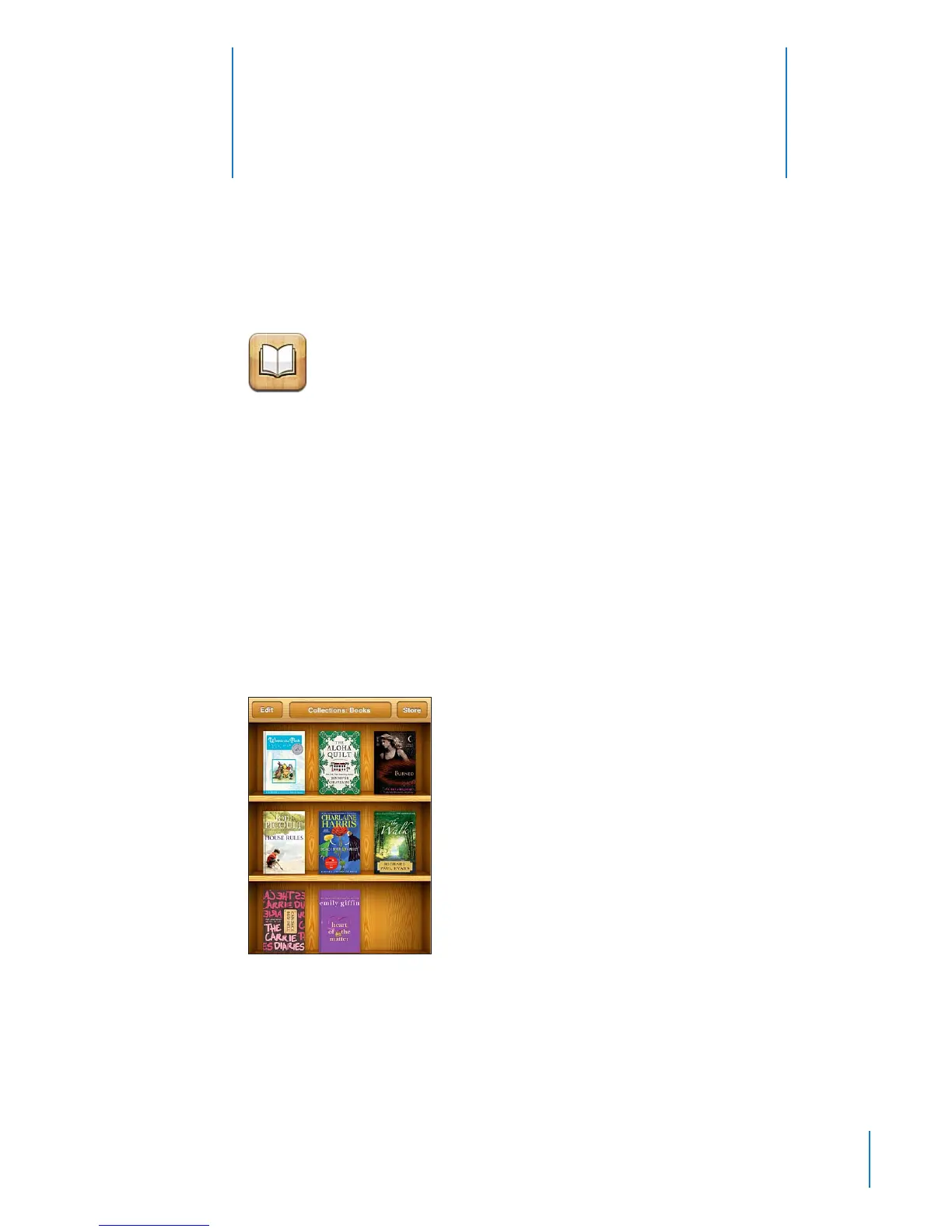
iBookstore. Once you download a book, it’s displayed on your bookshelf.
Add ePub books and PDFs to your bookshelf using iTunes. Then tap a book or PDF to
start reading. iBooks remembers your location, so you can easily return to where you
left o. A wide range of display options makes the books easy to read.
Note: The iBooks app and the iBookstore may not be available in all languages or
locations.
To download the iBooks app and use the iBookstore, you need an Internet connection
and an Apple account. If you don’t have an Apple account, or if you want to make
purchases from another Apple account, go to Settings > Store. See “Store” on page 212 .
223



 To Next Page