Basics
3
Using Apps
The high-resolution Multi-Touch screen and simple nger gestures make it easy to use
iPhone apps.
Opening and Switching Apps
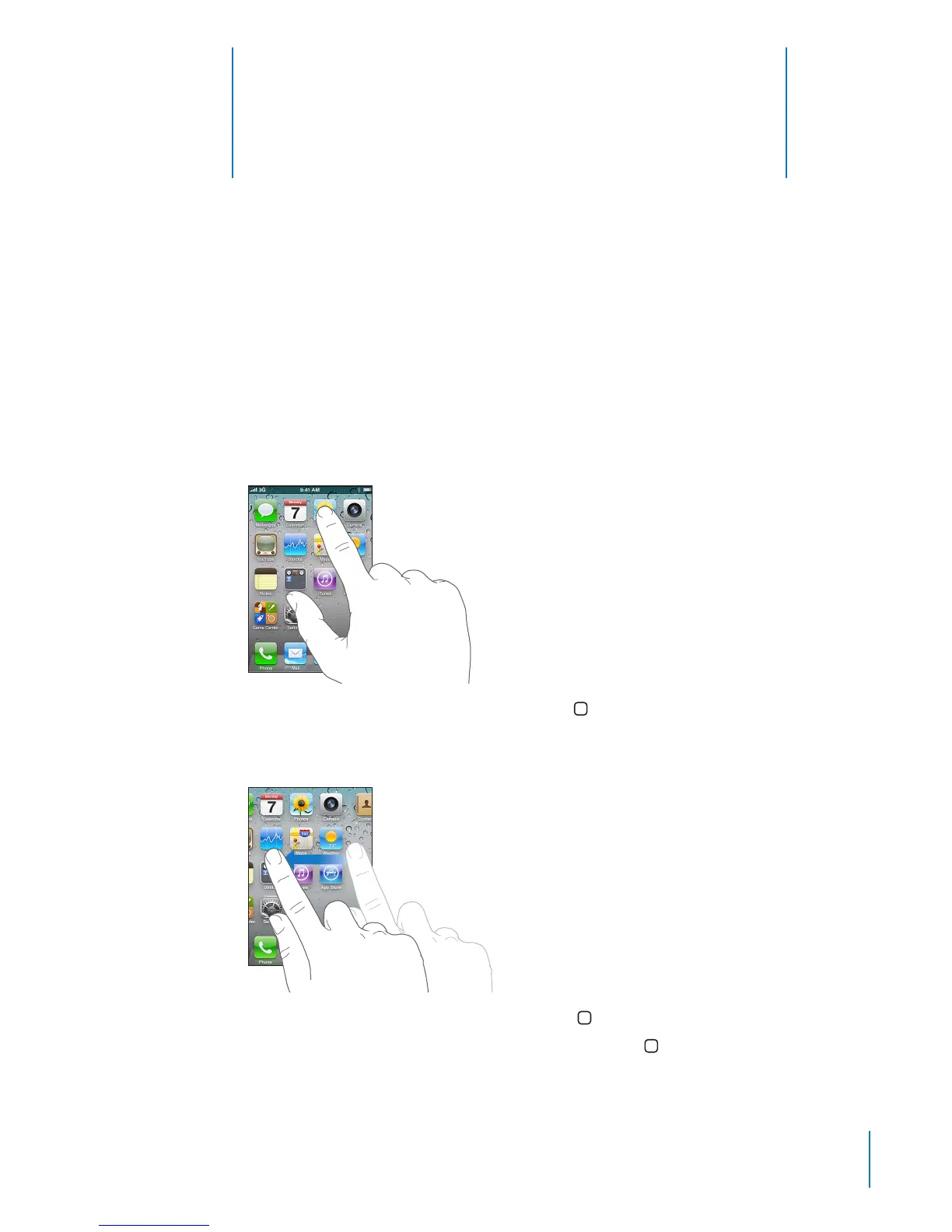
You open an app on iPhone by tapping its icon on the Home screen.
Return to the Home screen: Press the Home button below the display.
Switch to another Home screen: Flick left or right, or tap to the left or right of the row
of dots.
Go to the rst Home screen: Press the Home button again.
View your recently used apps: Double-click the Home button.
29



 To Next Page