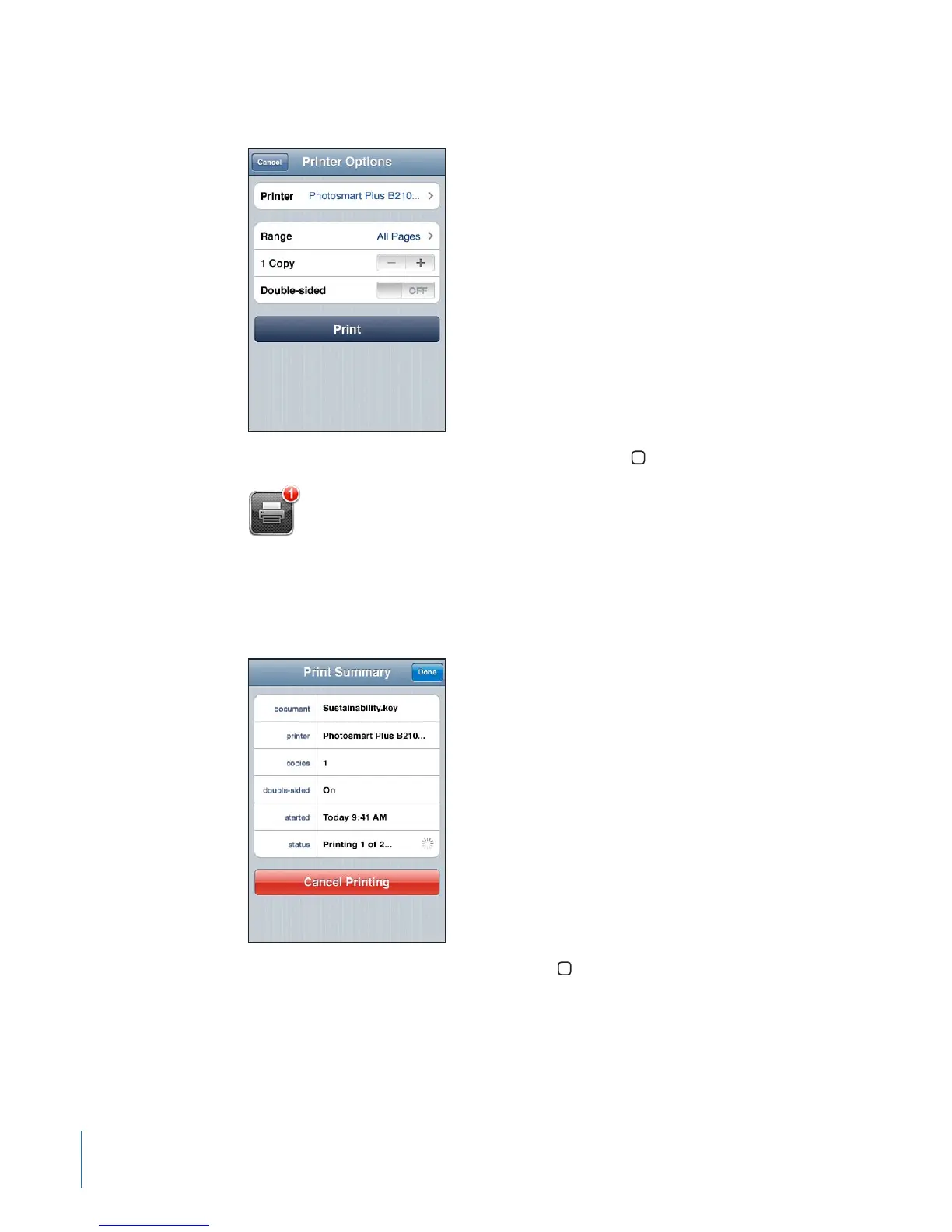
4 Tap Print.
See the status of a print job: Double-click the Home button, then tap Print Center.
The Print Center app appears as the most recent app when a document is printing.
A badge on the app icon shows how many documents are queued for printing.
If you’re printing more than one document, select a print job to see its status summary.
Cancel a print job: Double-click the Home button, tap Print Center, select the print
job (if you’re printing more than one document), then tap Cancel Printing.
42
Chapter 3 Basics



 To Next Page