When voice dialing a number, speak each digit separately—for example, say “four one
ve, ve ve ve, one two one two.”
Note: For the “800” area code in the U.S., you can say “eight hundred.”
Prevent voice dialing when iPhone is locked: In Settings, choose General > Passcode
Lock and turn Voice Dial o. Unlock iPhone to use voice dialing.
Receiving Calls
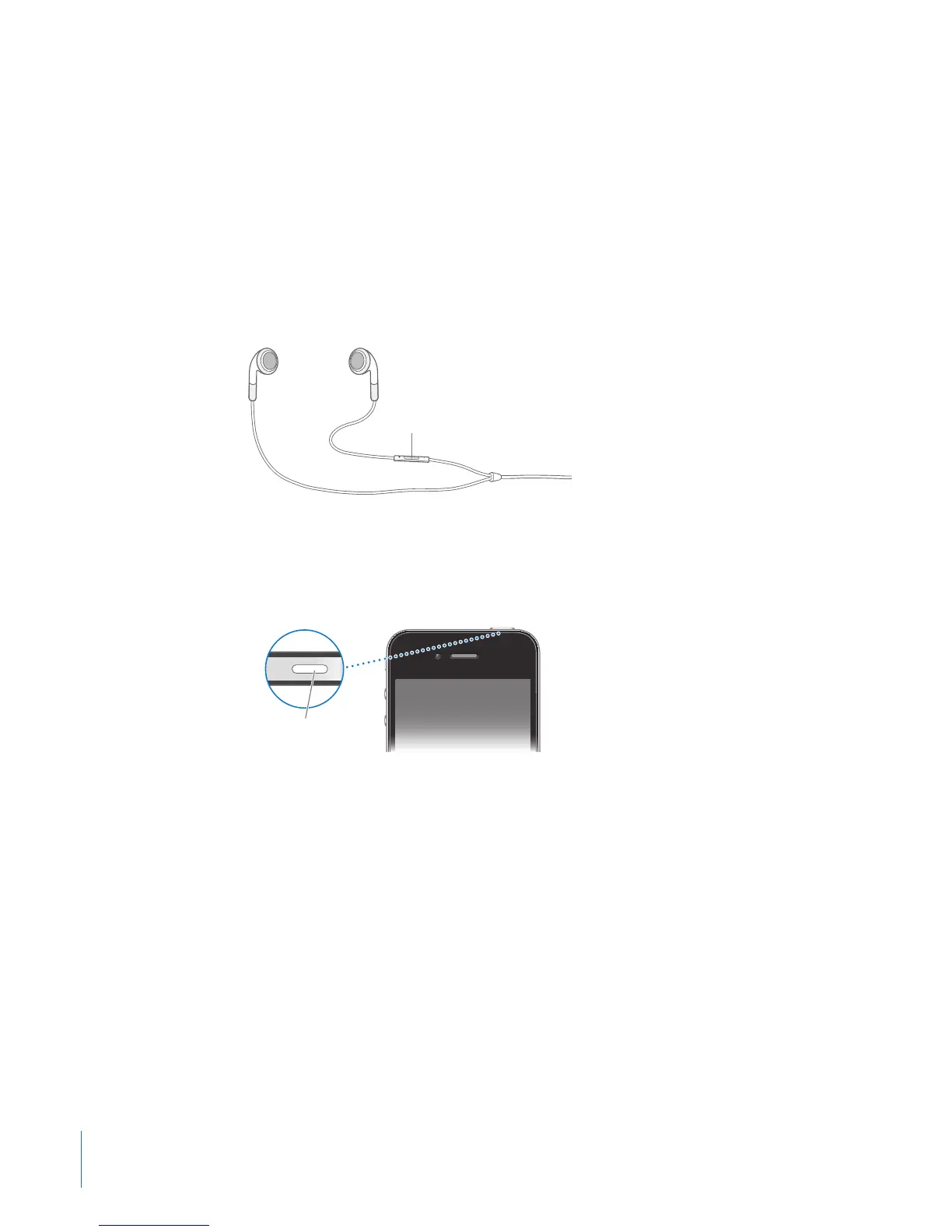
When you receive a call, tap Answer. If iPhone is locked, drag the slider. You can also
press the center button on your iPhone earphones to answer a call.
Silence a call: Press the On/O Sleep/Wake button or either volume button. You can
still answer the call after silencing it, until it goes to voicemail.
Decline a call: Do one of the following to send a call directly to voicemail.
Press the On/O Sleep/Wake button twice quickly. Â
Press and hold the center button on the iPhone earphones for about two seconds. Â
Two low beeps conrm that the call was declined.
Tap Decline (if iPhone is awake when a call comes in). Â
Block calls and maintain Wi-Fi access to the Internet: In Settings, turn on Airplane
Mode, then tap Wi-Fi to turn it on.
62
Chapter 5 Phone



 To Next Page