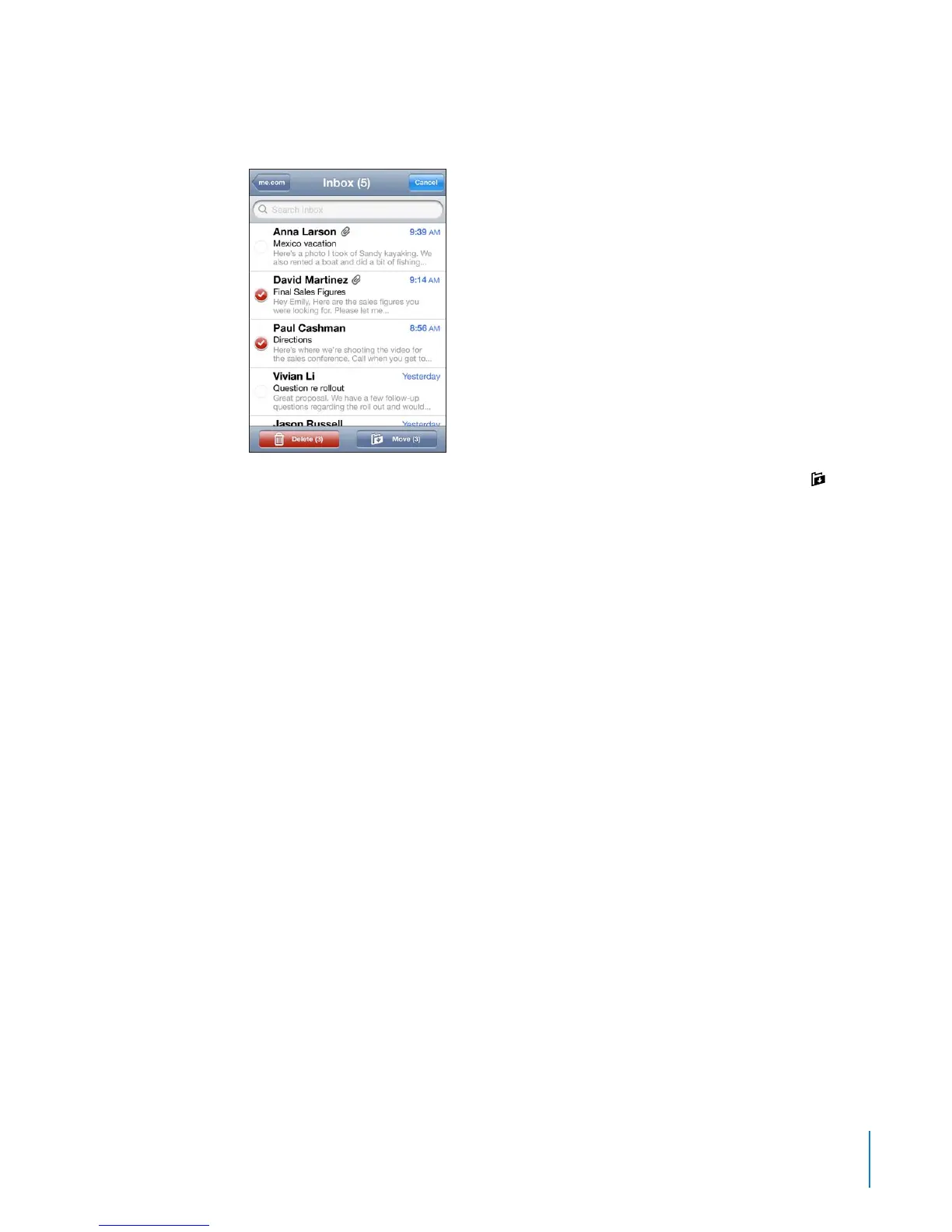
Delete multiple messages: When viewing a list of messages, tap Edit, select the
messages you want to delete, then tap Delete.
Move a message to another mailbox or folder: When viewing a message, tap , then
choose a mailbox or folder.
Tap Accounts to choose a mailbox or folder for another account.
Move multiple messages: When viewing a list of messages, tap Edit, select the
messages you want to move, then tap Move and choose a mailbox or folder.
83
Chapter 6 Mail



 To Next Page