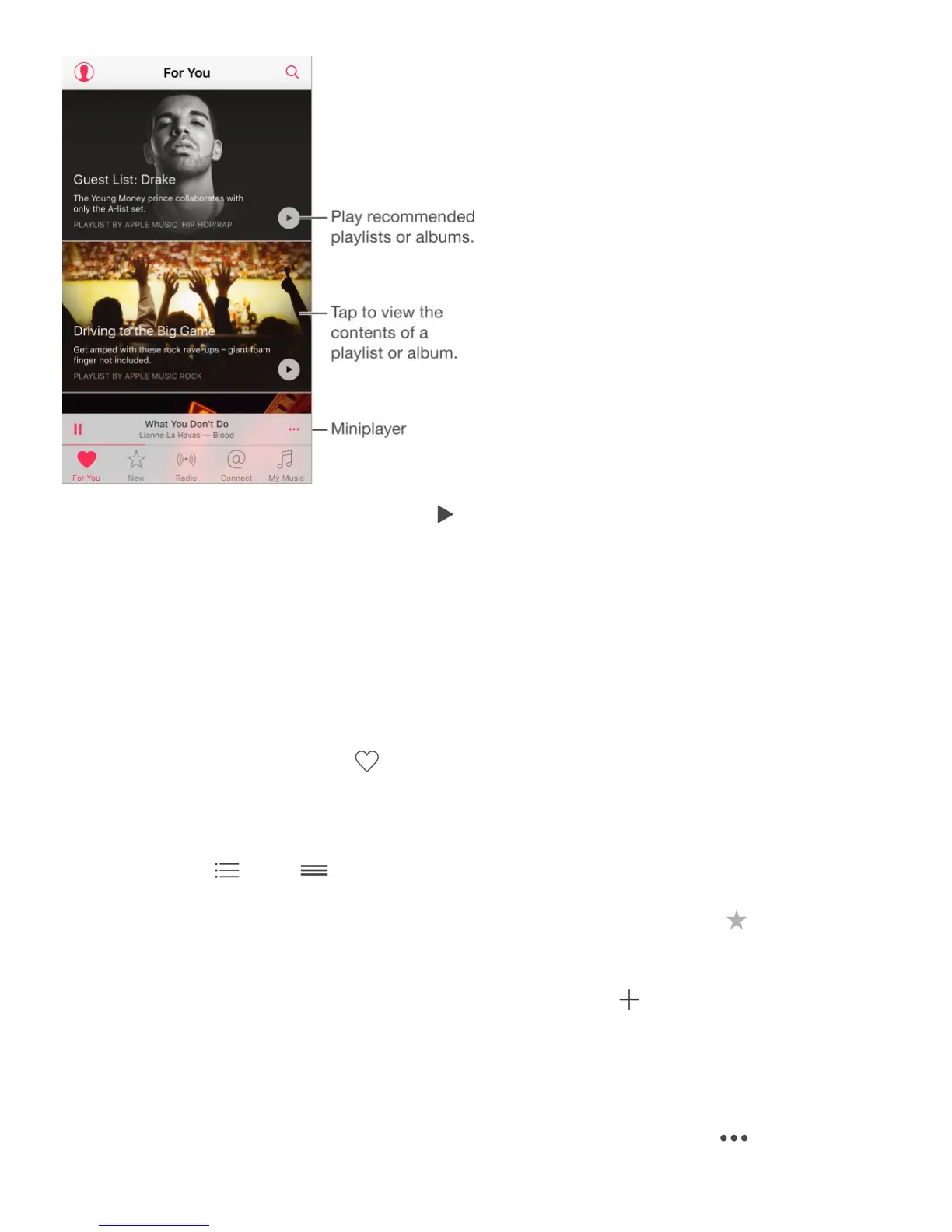
View music tweaked to your taste. Tap to play an album or playlist. Tap an album or a
playlist’s album art to view its contents. If you find a recommendation you don’t care for,
touch and hold it, then tap I Don’t Like This Suggestion. To get more recommendations, pull
down to refresh the list.
Note: On iPhone 6s and iPhone 6s Plus, press to preview the contents of albums and
playlists in For You, New, and My Music. Swipe up, then tap Play, Shuffle, or Add to My
Music.
Tell Music what you love. Tap when viewing an album’s contents or an artist’s screen,
or from Now Playing to help improve future recommendations.
Reorder a For You playlist. Play the playlist, tap the Miniplayer to show the Now Playing
screen, then tap . Drag to rearrange the song order.
Quickly identify an album’s most-played tracks. Some albums have a next to the
most popular tracks.
Add For You playlists. Touch and hold the playlist, then tap . On iPhone 6s and iPhone
6s Plus, you can press the playlist, swipe up, then tap Add to My Music. The playlist
remains in your music library and updates automatically if the playlist changes. (Go to
Settings > Music, then turn on iCloud Music Library to display these playlists.)
Do more with your music. When viewing the contents of an album, tap to add the



 To Next Page