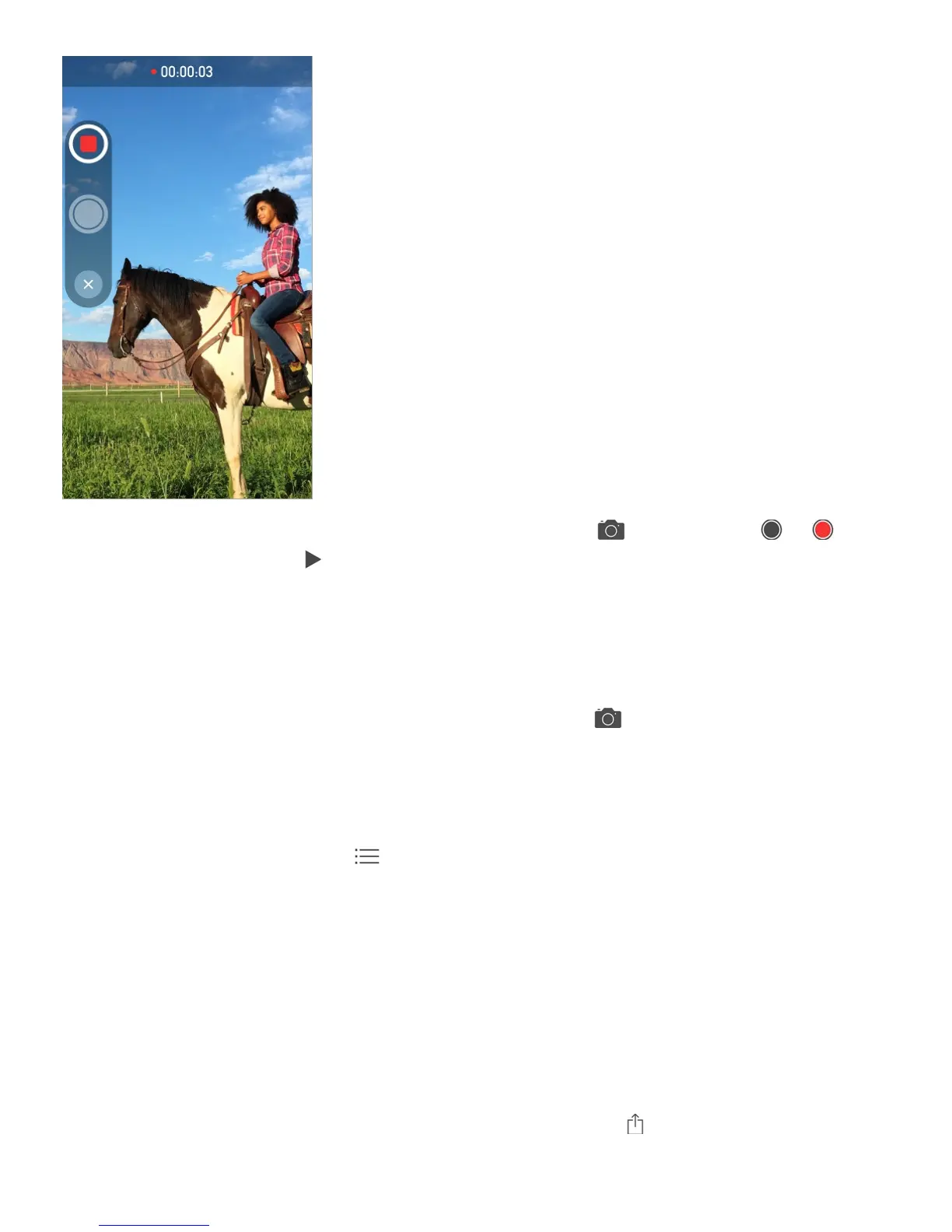
Quickly take and send a photo or video. Touch and hold . Then slide to or to
take a photo or video. Tap to preview your video.
To save space, Video Messages that you receive are deleted automatically two minutes
after you view them, unless you tap Keep. To keep them automatically, go to Settings >
Messages > Expire (under Video Messages), then tap Never.
Send photos and videos from your Photos library. Tap . Recent shots are right there;
tap Photo Library for older ones. Select the items you want to send.
View attachments. While viewing a conversation, tap Details. Attachments are shown in
reverse chronological order at the bottom of the screen. Tap an attachment to see it in full
screen. In full-screen mode, tap to view the attachments as a list.
Send your current location. Tap Details, then tap Send My Current Location to send a
map that shows where you are.
Share your location. Tap Details, then tap Share My Location and specify the length of
time. The person you’re texting can see your location by tapping Details. To turn Share My
Location on or off, or to select the device that determines your location, go to Settings >
iCloud > Share My Location (under Advanced).
Send items from another app. In the other app, tap Share or , then tap Message.



 To Next Page