subscribe to other people’s shared albums. You can invite others using iCloud Photo
Sharing (iOS 6 or later or OS X Mountain Lion or later) to view your albums, and they can
leave comments if they wish. If they’re using iOS 7 or OS X Mavericks or later, they can
add their own photos and videos. You can also publish your album to a website for anyone
to view. iCloud Photo Sharing works with or without iCloud Photo Library and My Photo
Stream.
Note: To use iCloud Photo Sharing, iPhone must be connected to the Internet. iCloud Photo
Sharing works over both Wi-Fi and cellular networks. Cellular data charges may apply. See
.
Turn on iCloud Photo Sharing. Go to Settings > iCloud > Photos. Or go to Settings >
Photos & Camera.
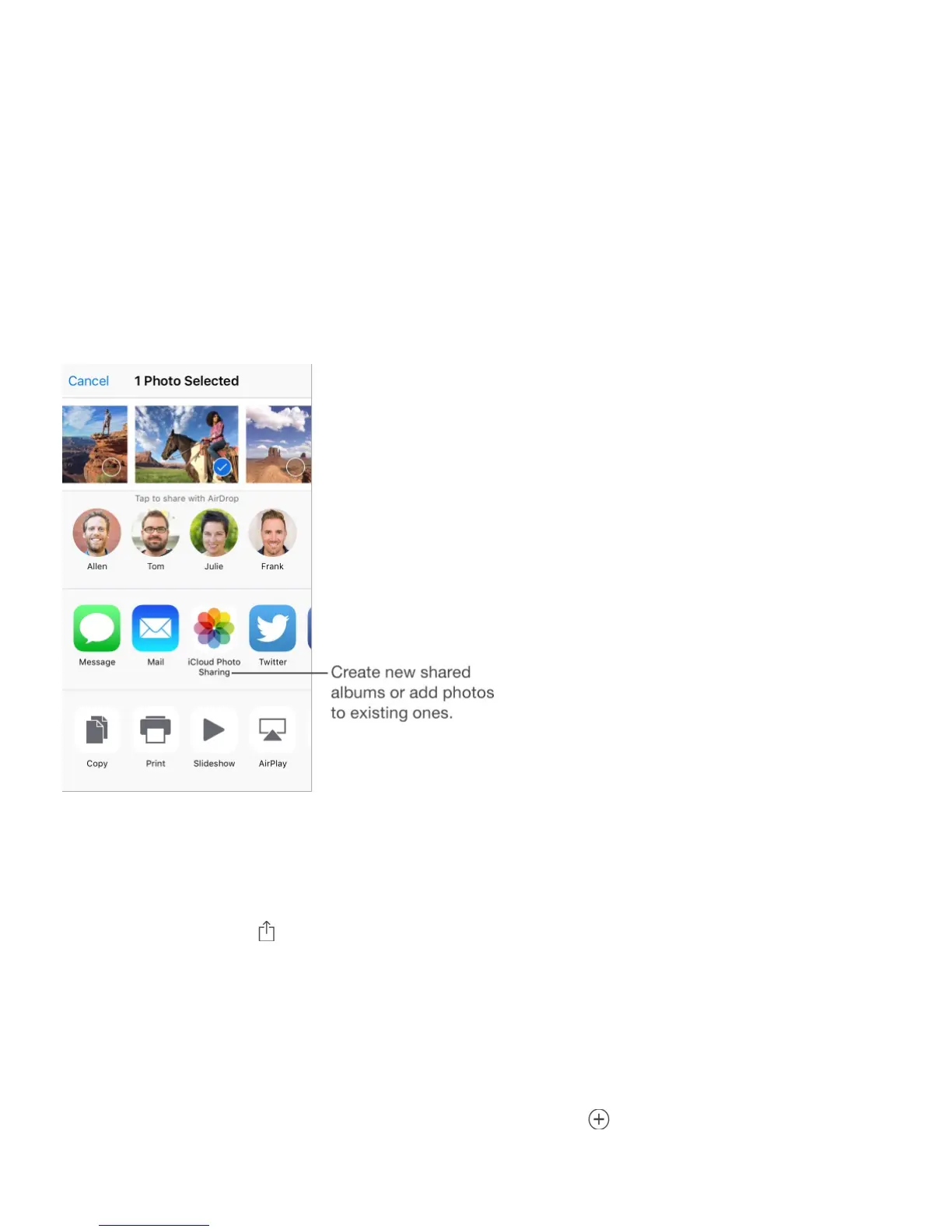
Share photos and videos. While viewing a photo or video, or when you’ve selected multiple
photos or videos, tap , tap iCloud Photo Sharing, add comments, then share to an existing
shared album or create a new one. You can invite people to view your shared album using
their email address or the mobile phone number they use for Messages.
Enable a public website. Select the shared album, tap People, then turn on Public
Website. Tap Share Link if you want to announce the site.
Add items to a shared album. View a shared album, tap , select items, then tap Done.
You can add a comment, then tap Post.
Usage information



 To Next Page