Get books
Get books from the iBooks Store. In iBooks, use the buttons at the bottom of the screen
to access the iBooks Store. Tap Featured to browse the latest releases, or Top Charts to
view the most popular. To find a specific book, tap Search.
Get a book from the Home screen. On iPhone 6s and iPhone 6s Plus, press iBooks, then
choose the Search iBooks Store quick action. See .
Ask Siri. Say something like: “Find books by author name.”
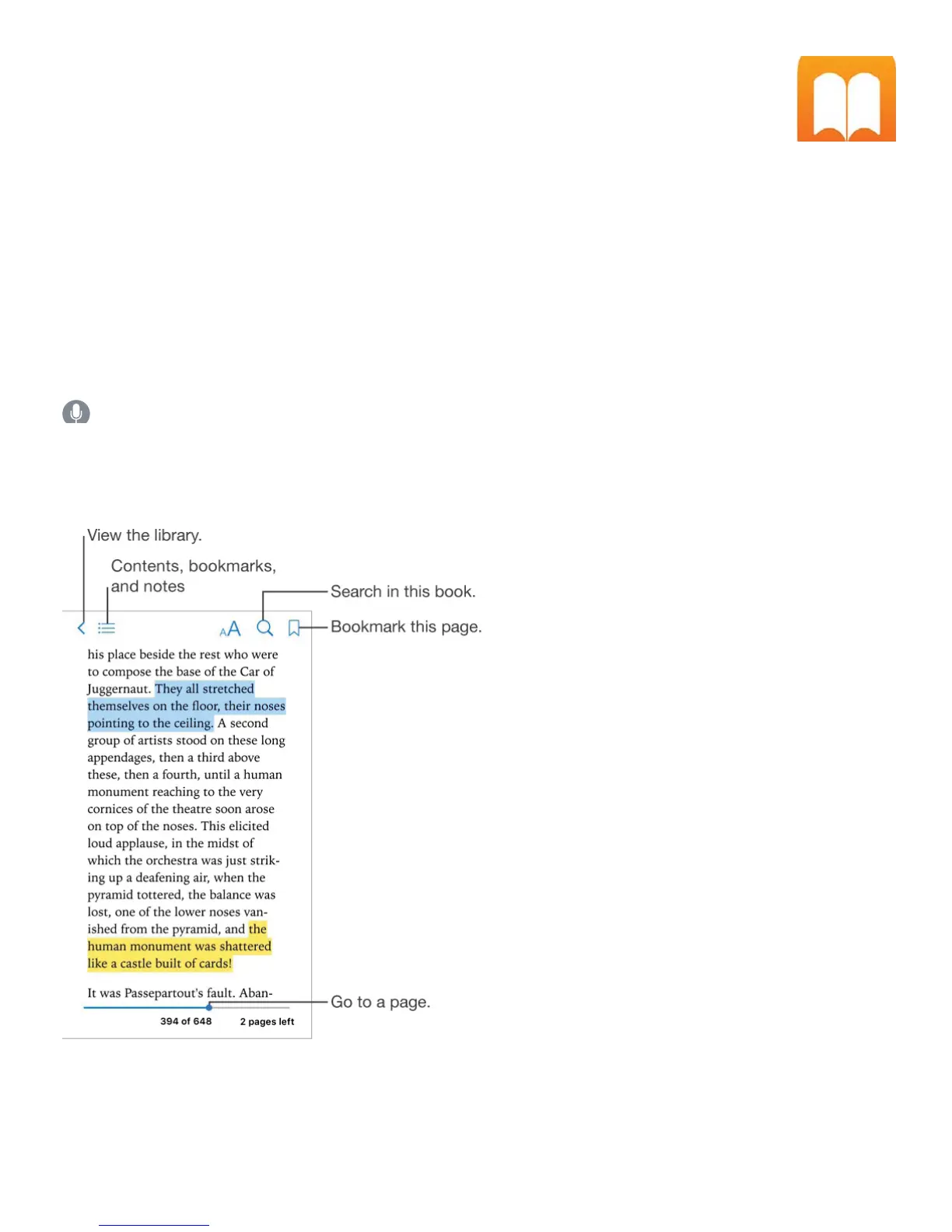
Read a book
Open a book. Tap the book you want to read. If you don’t see it on the bookshelf, swipe left
or right to see other collections.
Open a book from the Home screen. On iPhone 6s and iPhone 6s Plus, press iBooks,



 To Next Page