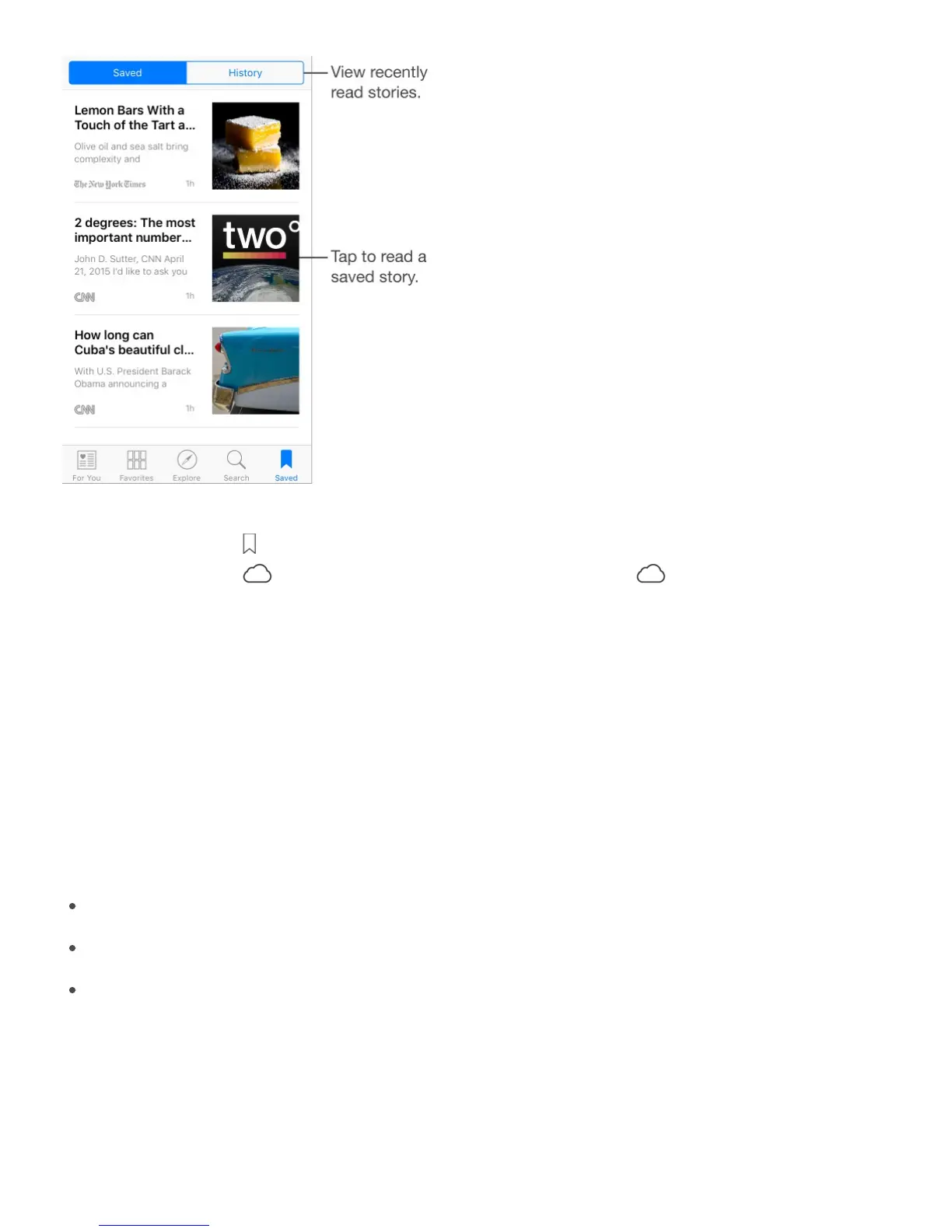
Save and delete stories. When viewing your story feed, swipe left, then tap Save. When
reading a story, tap to save it. To read a saved story, tap Saved, then tap the story.
Stories that display are not currently stored on iPhone. Tap to save them to iPhone
for offline reading. Swipe a story left to delete it.
Check your reading history. Tap the History tab to see what you’ve read. In History, you
can also swipe a story to the left to delete it. To clear your News history or clear the
information used to create recommendations, or to clear both, tap Clear, then choose an
option.
News settings
Go to Settings > News to set options for News, including:
Refreshing the story list even when you’re not using News
Allowing News to be used over a cellular connection
Displaying stories from RSS feeds as previews or full stories



 To Next Page