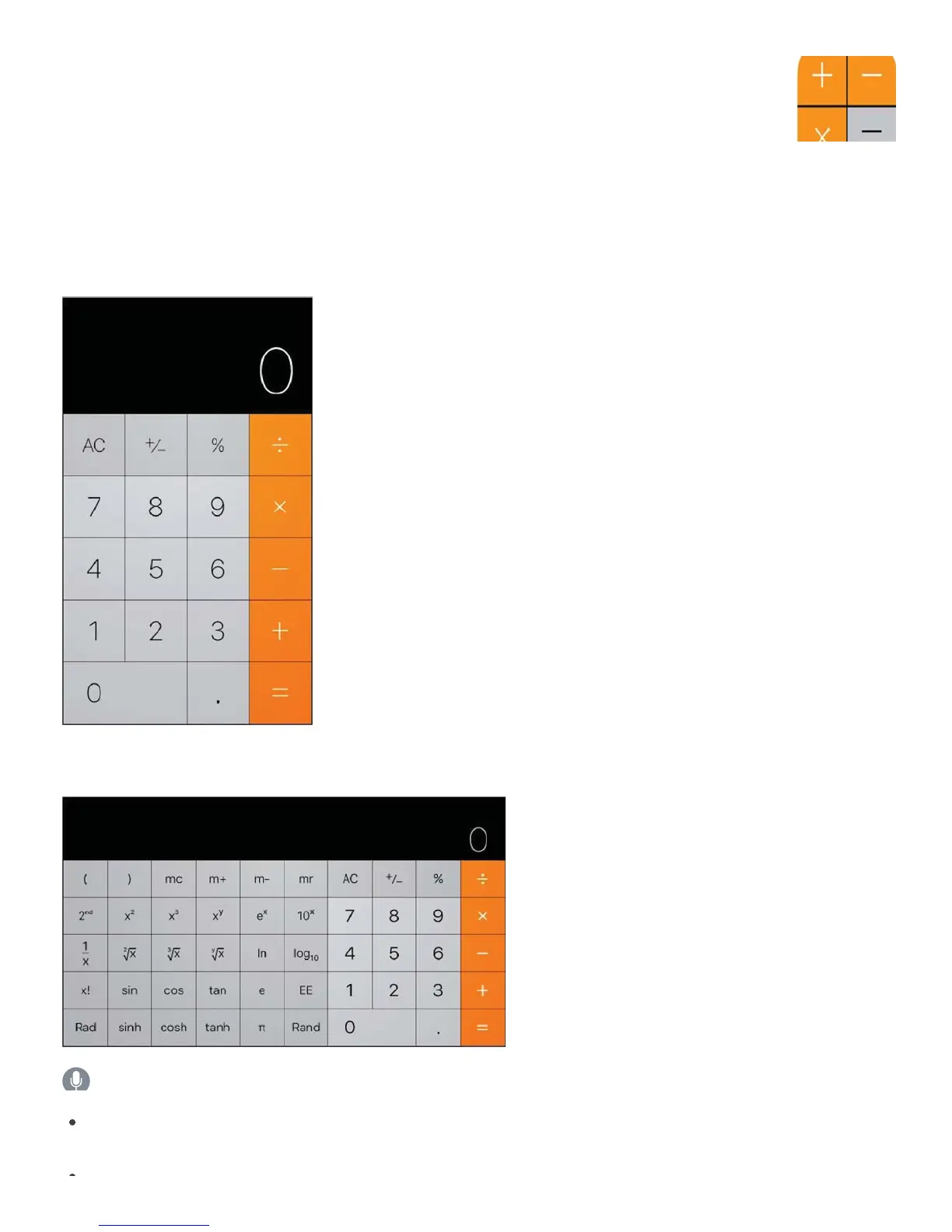
Tap numbers and functions in Calculator, just as you would with a standard calculator.
Get to Calculator quickly! Swipe up from the bottom edge of the screen to open Control
Center.
To use the scientific calculator, rotate iPhone to landscape orientation.
Ask Siri. Say something like:
“What’s 74 times 9?”
“What’s 18 percent of 225?”



 To Next Page