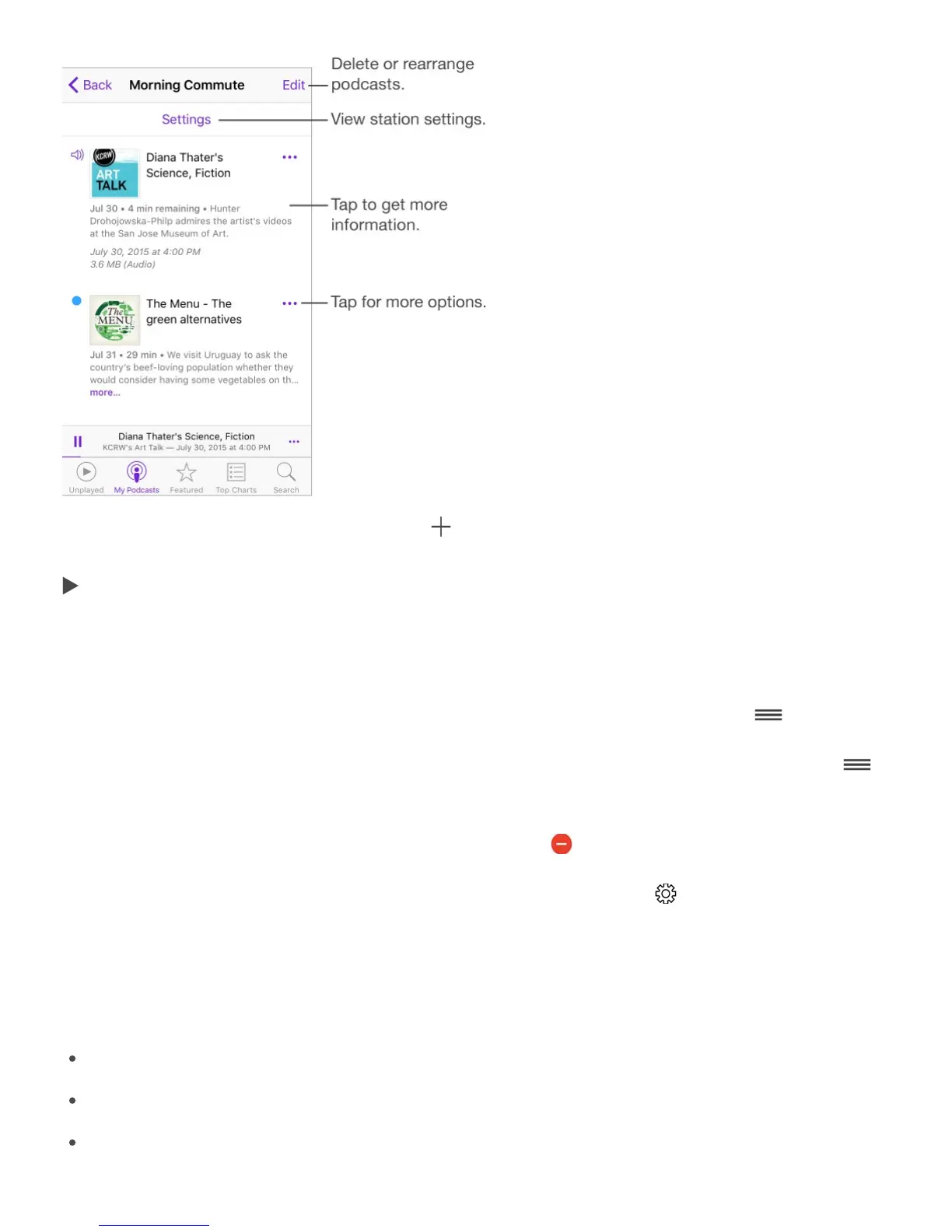
Create a station. Tap My Podcasts, tap , then tap Add Station. Name your station, tap
Save, then add podcasts. To play the podcasts in your station, tap My Podcasts, then tap
next to the station.
Peek at station episodes. On iPhone 6s and iPhone 6s Plus, press a station to see its
episodes. Swipe up, then tap Play.
Change the order of the station list. Tap My Podcasts, tap Edit, then drag up or down.
Change the playback order of shows in a station. Tap a station, tap Edit, then drag
up or down.
Delete stations. Tap My Podcasts, tap Edit, then tap .
List oldest episodes first. Tap My Podcasts, tap a podcast, tap , then tap Sort Order.
Podcasts settings
Go to Settings > Podcasts, where you can:
Choose to keep your podcast subscriptions up to date on all your devices
Limit podcast downloads to Wi-Fi connections
Choose how frequently Podcasts checks your subscriptions for new episodes
H idd lddt till



 To Next Page