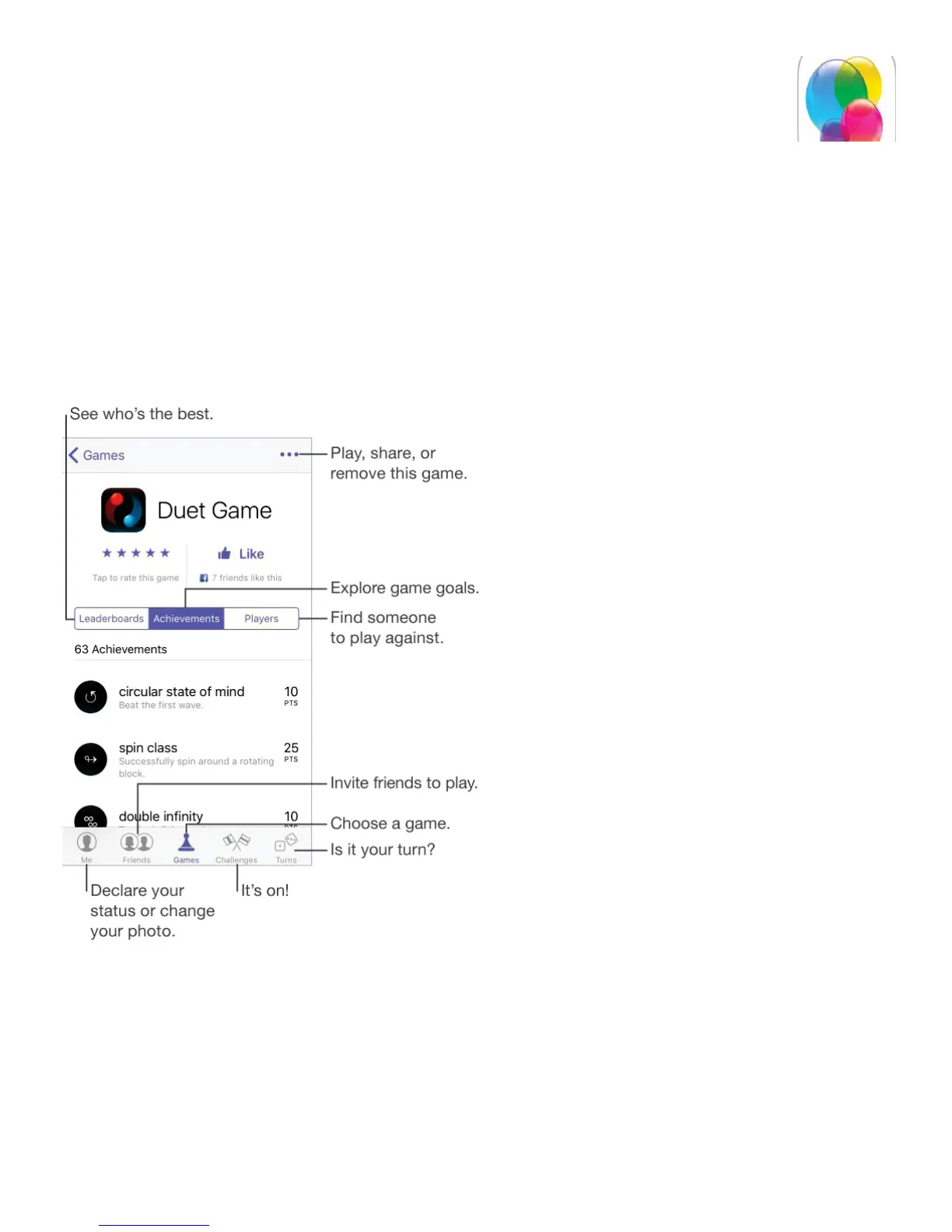
Game Center at a glance
Game Center lets you play your favorite games with friends who have an iOS device or a
Mac (OS X Mountain Lion or later). You must be connected to the Internet to use Game
Center.
WARNING: For important information about avoiding repetitive motion injuries, see
.
Get started. Open Game Center. If you see your nickname at the top of the screen, you’re
already signed in. Otherwise, you’ll be asked for your Apple ID and password.
Use quick actions. On iPhone 6s and iPhone 6s Plus, press a bubble on the Me page to
see available actions. For example, press Friends to see pending friend requests. See
.
Get some games. Tap Games, then tap a recommended game, browse for games in the



 To Next Page