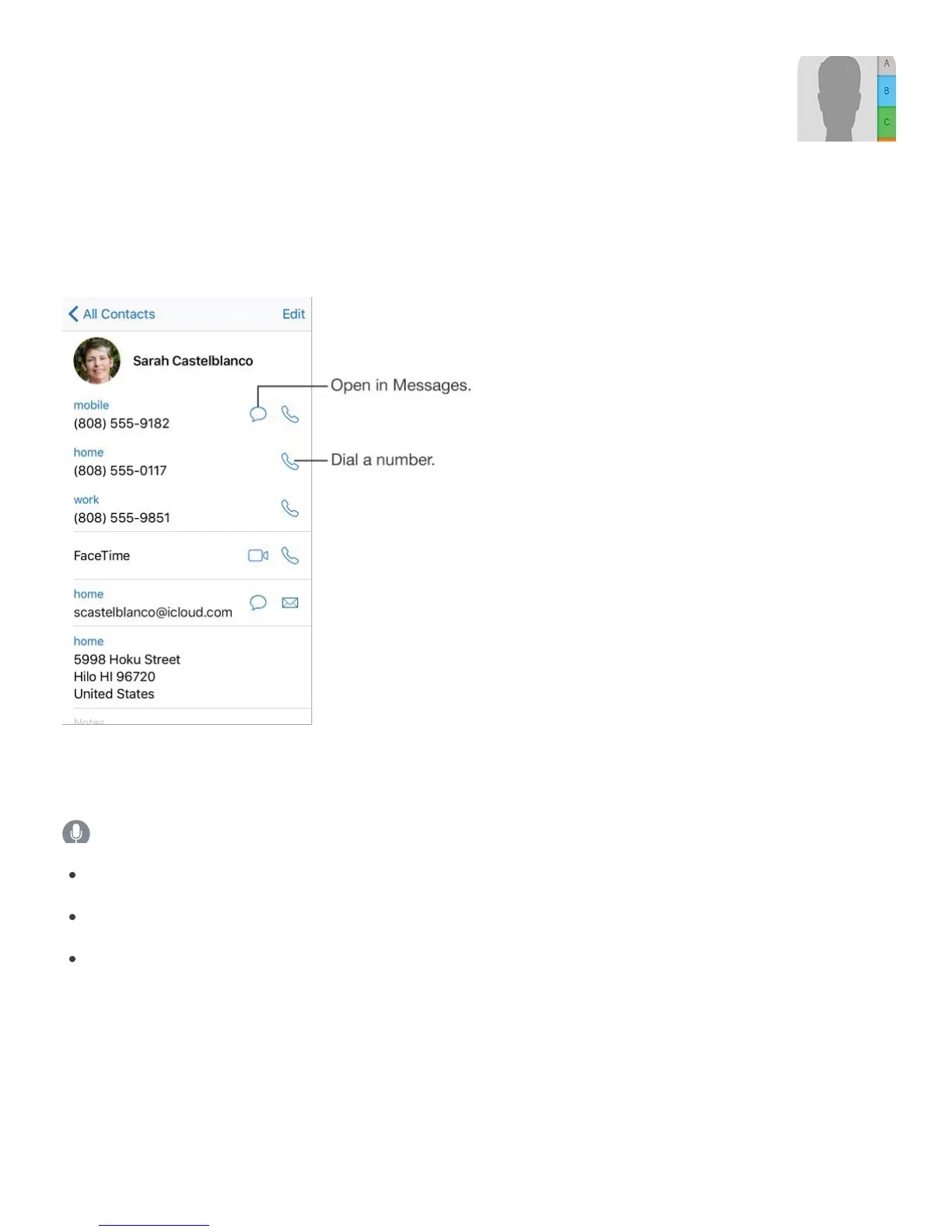
Contacts at a glance
iPhone lets you access and edit your contact lists from personal, business, and other
accounts.
Set your My Info card for Safari, Siri, and other apps. Go to Settings > Mail, Contacts,
Calendars, tap My Info, then select the contact card with your name and information.
Ask Siri. Say something like:
“Sarah Castelblanco is my sister”
“Send a message to my sister”
“What’s my brother’s work address?”
Find a contact. Tap the search field at the top of the contacts list, then enter your search.
You can also search your contacts using Search (see ).
Share a contact. Tap a contact, then tap Share Contact. See . Sharing a
contact shares all the info from the contact’s card.
Change a label. If a field has the wrong label, such as Home instead of Work, tap Edit.



 To Next Page