View and control the current audio source. Tap Now Playing to see the current audio
app.
Maps
Use Siri or open Maps to get turn-by-turn directions, traffic conditions, and estimated travel
time. CarPlay generates likely destinations using addresses from your email, text
messages, contacts, and calendars—as well as places you frequent. You can also search
for a location, use locations you bookmarked, and find nearby attractions and services.
You can use other apps even when getting directions. CarPlay lets you know when it’s time
to make a turn.
Ask Siri. Say something like:
“Take me home”
“Get directions to the nearest coffee shop”
“What’s my ETA?”
“Find a gas station”
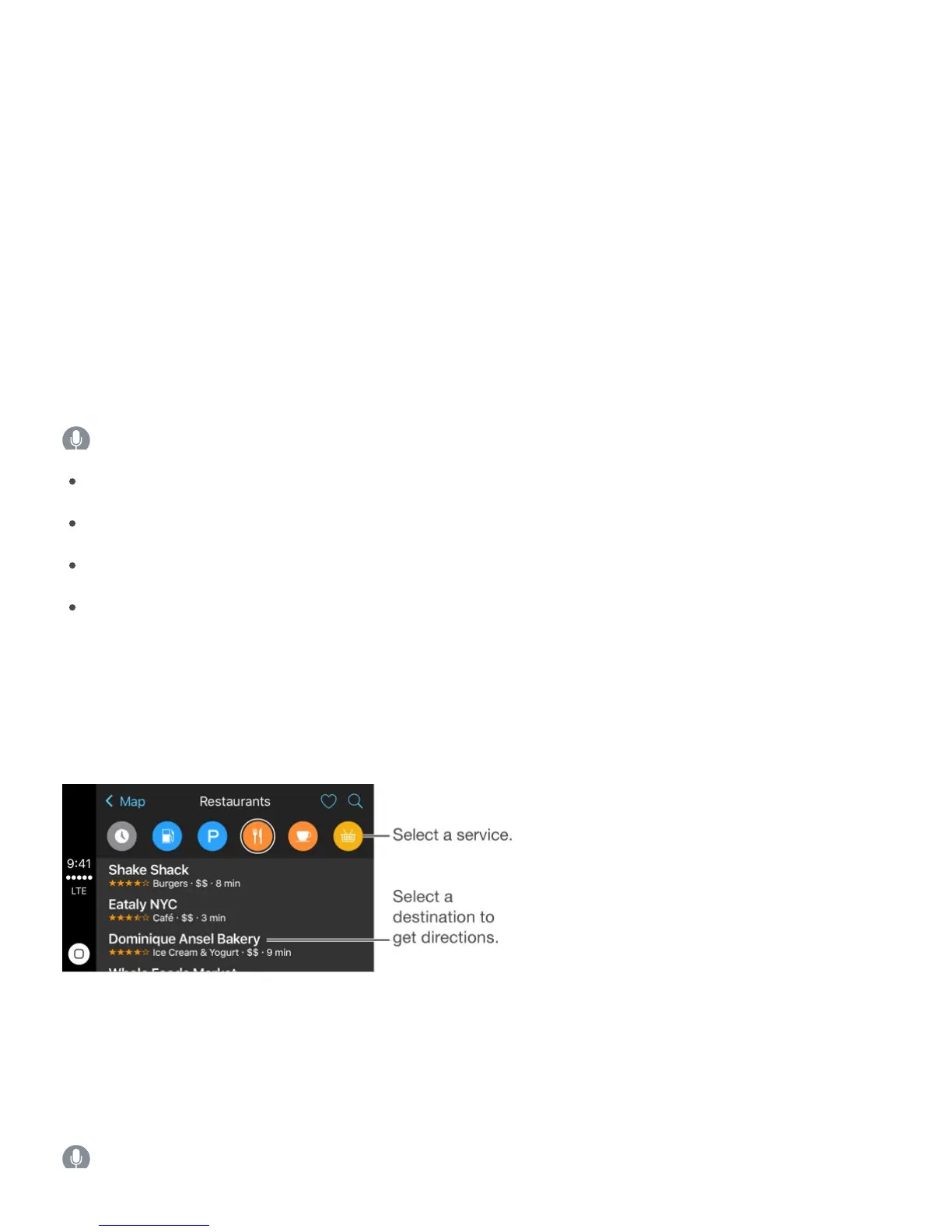
Display likely destinations. Open Maps, then select Destinations. Select a destination in
the list to get directions. To get directions to a nearby service, select a category (such as
Gas, Parking, or Coffee), then select a destination. (For availability of nearby suggestions,
see .)
Phone
Use Siri to help you make calls, or open Phone, then select Show Contacts to bring up your
favorites, recent calls, voicemail, a list of contacts, or a keypad.
Ask Siri. Say something like:
www.apple.com/ios/feature-availability/#maps-nearby



 To Next Page