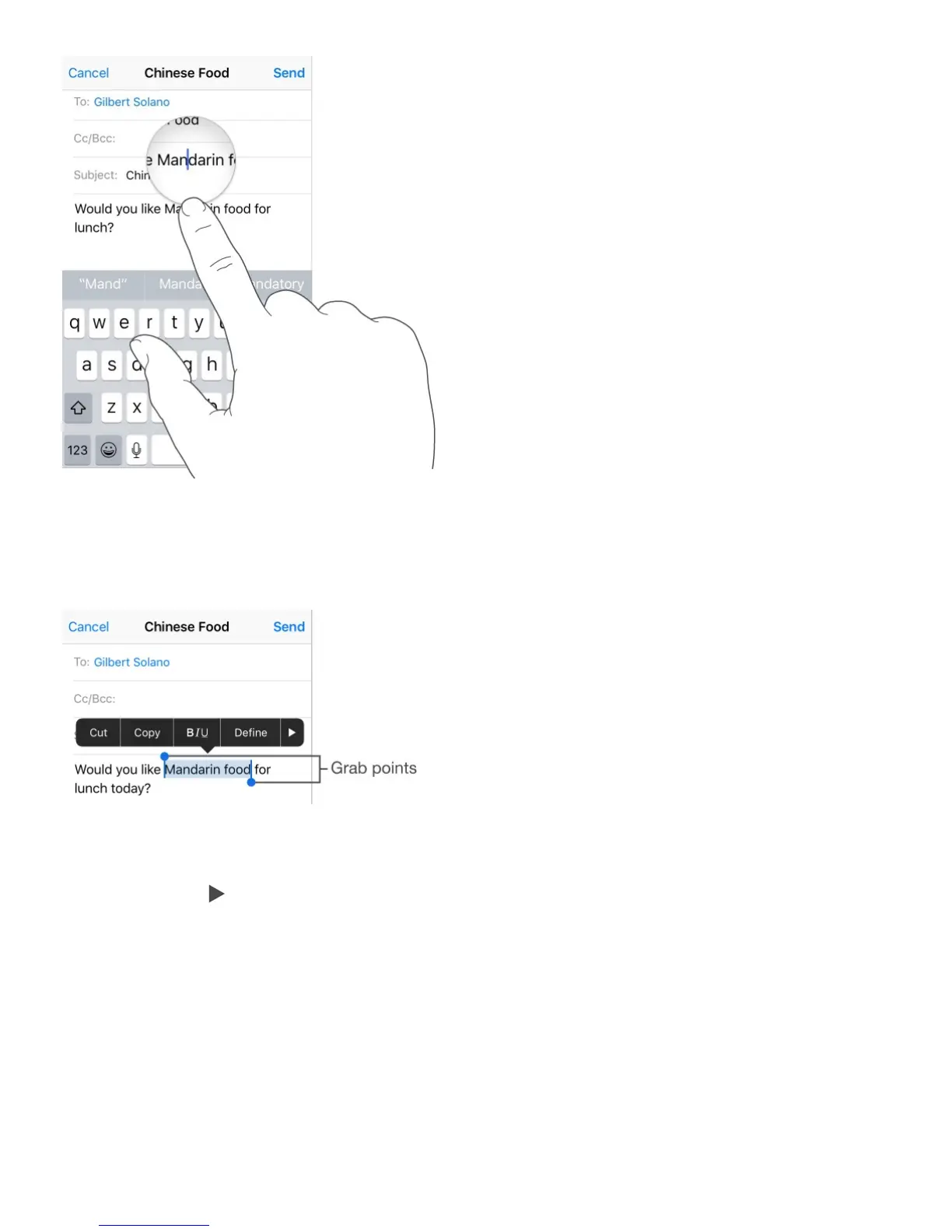
Select text. Tap the insertion point to display the selection options. Or double-tap a word to
select it. Drag the grab points to select more or less text. In read-only documents, such as
webpages, touch and hold to select a word.
You can cut, copy, or paste over selected text. With some apps, you can also get bold,
italic, or underlined text (tap B/I/U); get the definition of a word; or have iPhone suggest an
alternative. Tap to see all the options.
Turn your keyboard into a trackpad. On iPhone 6s and iPhone 6s Plus, press the
keyboard until it turns light gray. Move the cursor by dragging around the keyboard. Without
lifting your finger, press a little deeper to select a word. Press twice to select a sentence.
Press three times to select a paragraph. After pressing, you can drag to select more text.



 To Next Page