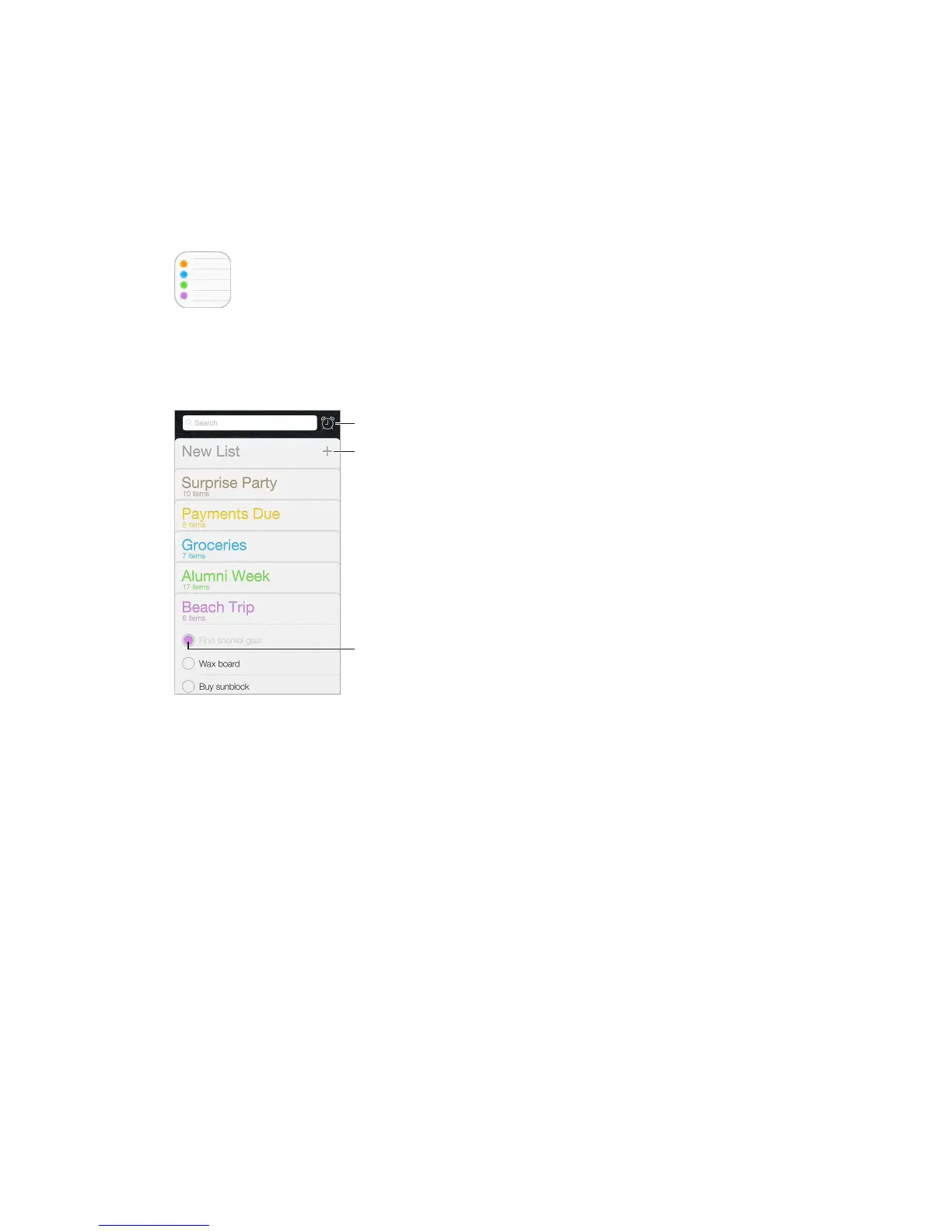
Scheduled items
Add a reminder. Tap a list, then tap a blank line.
Share a list. Tap a list, then tap Edit. Tap Sharing, then tap Add Person. The people you share with
also need to be iCloud users. After they accept your invitation to share the list, you’ll all be able
to add, delete, and mark items as completed. Family members can also share a list. See Family
Sharing on page 37.
Delete a list. While viewing a list, tap Edit, then tap Delete List.
Change or delete a reminder. Swipe the reminder left, then tap Delete.
Change the order of lists. Touch and hold the list name, then drag the list to a new location. To
change the order of items in a list, tap Edit.
What list was that in?
See About Continuity features on page 25.



 To Next Page