21
110
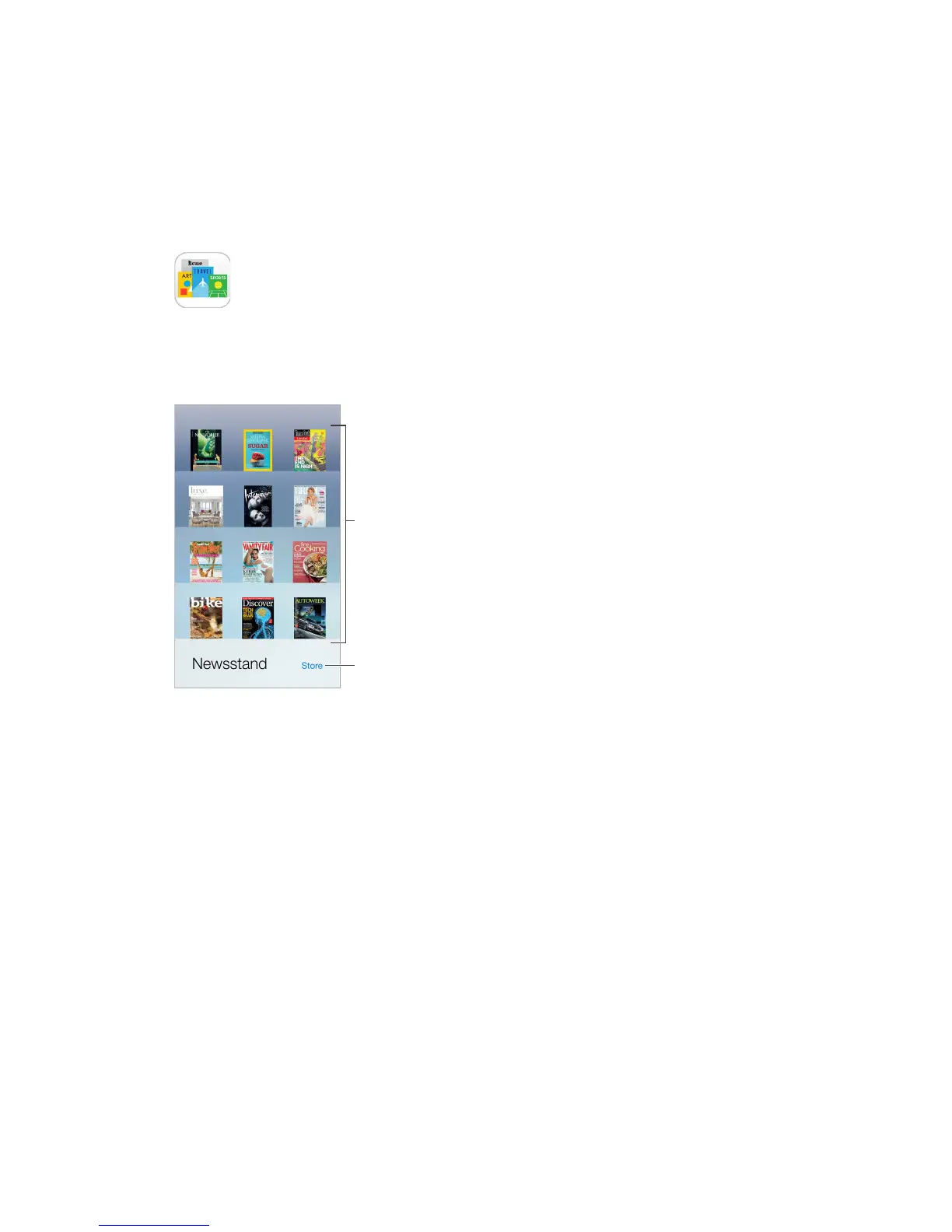
Newsstand
Newsstand organizes your magazine and newspaper apps, and automatically updates them
when iPhone is connected to Wi-Fi.
Find Newsstand
apps.
Find Newsstand apps. Tap Newsstand to reveal the shelf, then tap Store. When you purchase a
Newsstand app, it’s added to the shelf. After the app is downloaded, open it to view its issues
and subscription options. Subscriptions are In-App purchases, billed to your store account.
in Settings > General > Background App Refresh.



 To Next Page