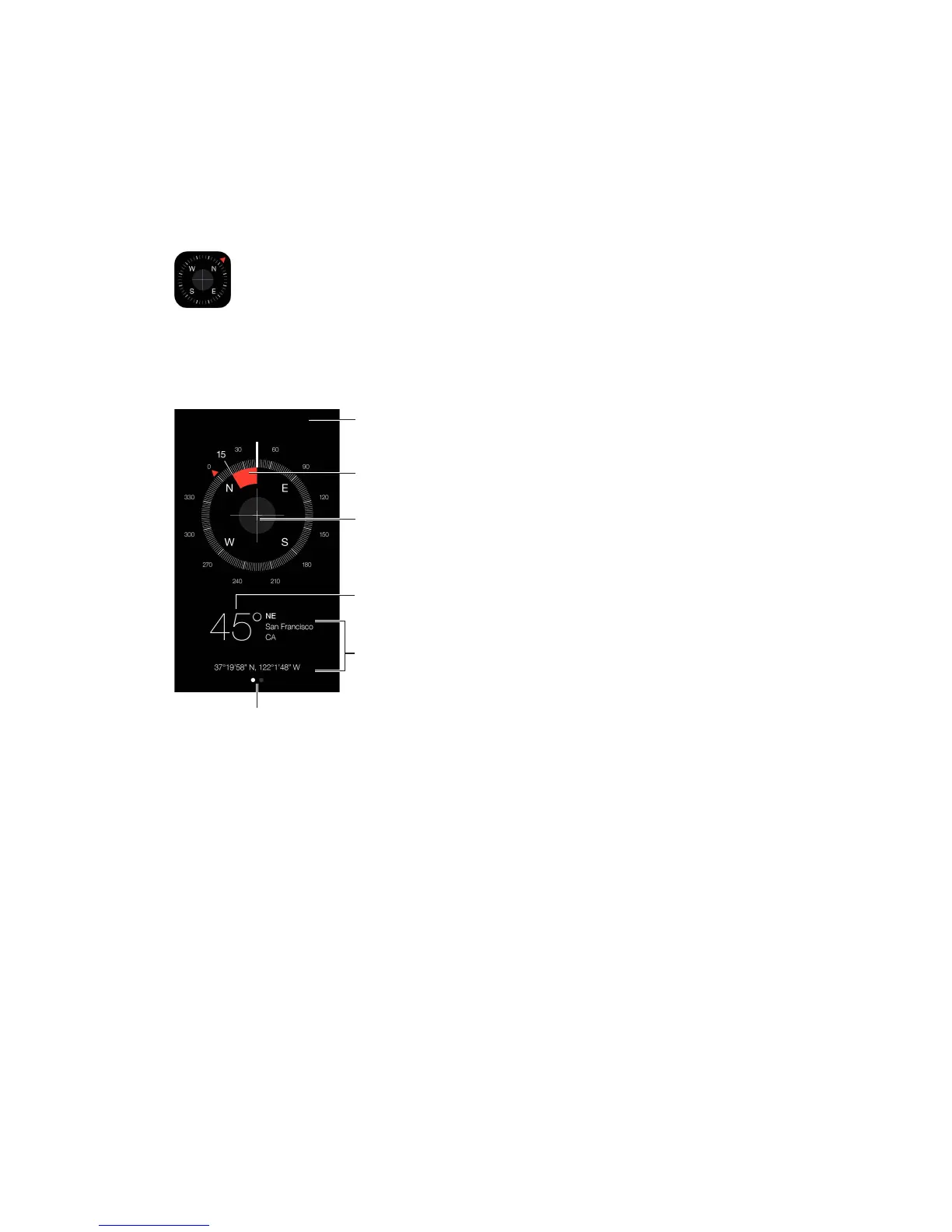
The direction iPhone
is pointing
See your location. To see your current location, go to Settings > Privacy > Location Services
and turn on Location Services and Compass. For more about Location Services, see Privacy on
page 42.
Stay on course. Tap the screen to lock in the current heading, then watch for a red band to see if
Important:
interference; even the magnets in the iPhone earbuds can cause a deviation. Use the digital
compass only for basic navigation assistance. Don’t rely on it to determine precise location,
proximity, distance, or direction.



 To Next Page