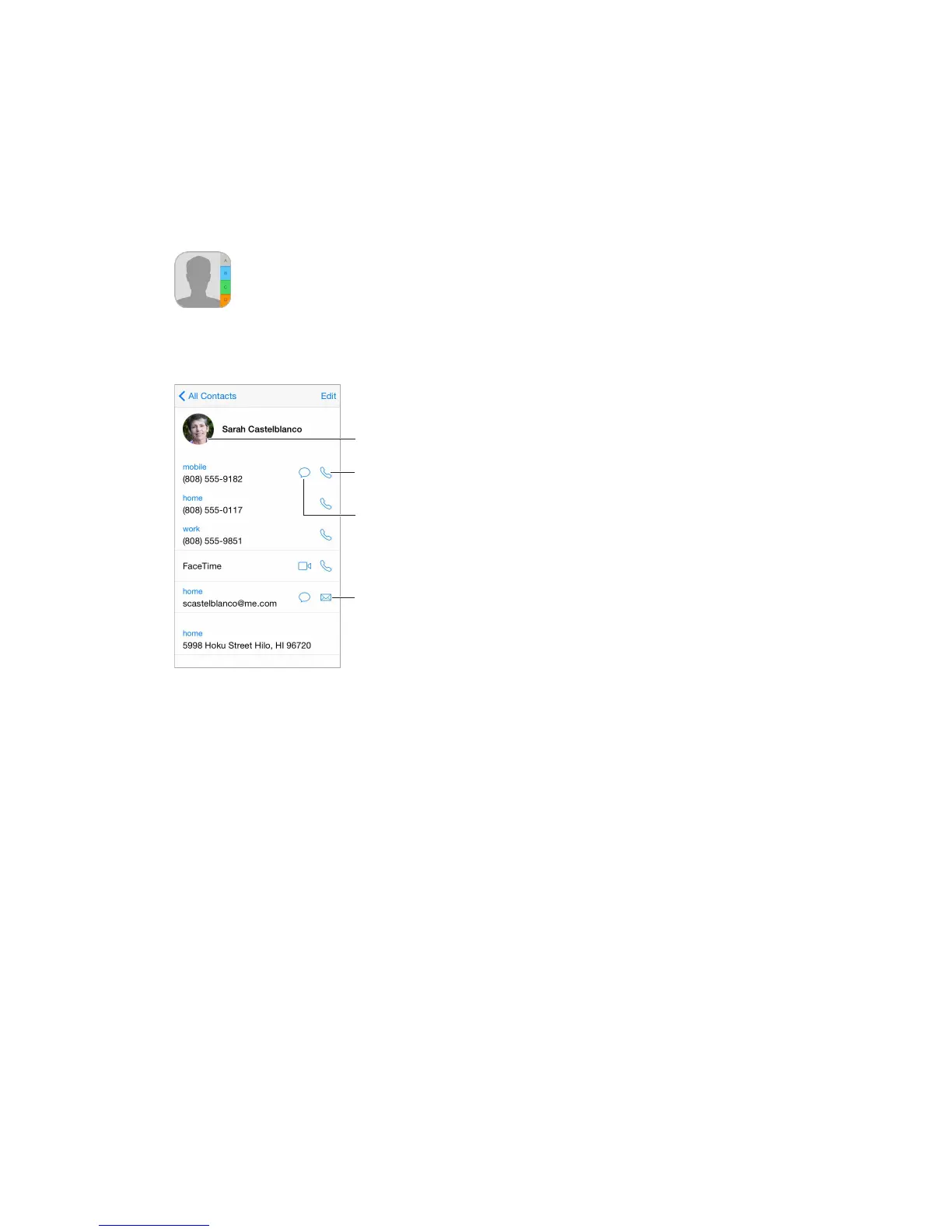
Tap to view photo.
Set your My Info card for Safari, Siri, and other apps. Go to Settings > Mail, Contacts, Calendars,
then tap My Info and select the contact card with your name and information.
Let Siri know who’s who.
Find a contact.
also search your contacts with Spotlight Search (see Spotlight Search on page 33).
Share a contact. Tap a contact, then tap Share Contact. See Share from apps on page 36.
Change a label.
the label and choose one from the list, or tap Add Custom Label to create one of your own.
You can add Twitter, Facebook, LinkedIn, Flickr, Myspace, and Sina Weibo accounts, or create a
custom entry.
Delete a contact. Go to the contact’s card, then tap Edit. Scroll down, then tap Delete Contact.



 To Next Page