Chapter 13 Weather 93
View the current hourly forecast. Swipe the hourly display left or right.
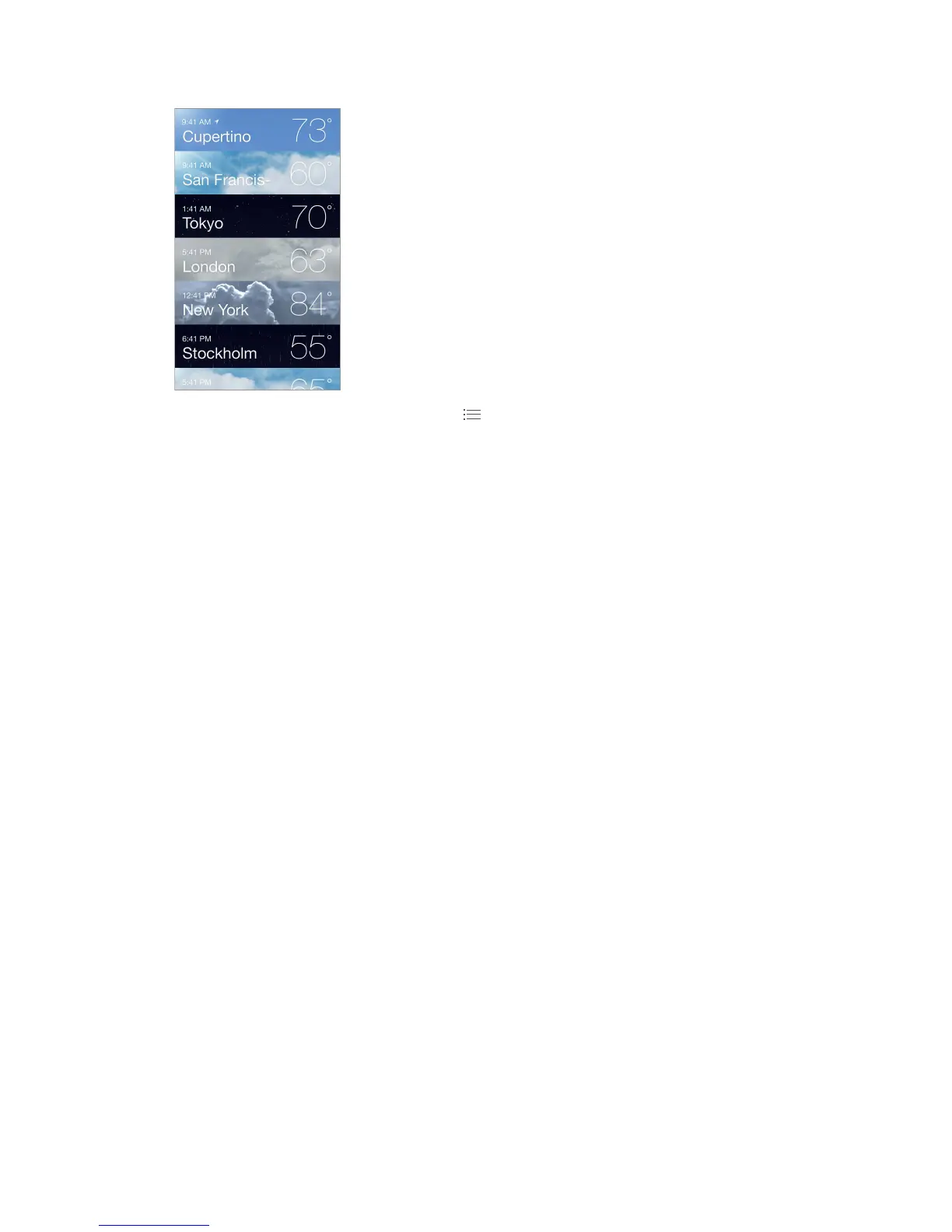
See all cities at once. Pinch the screen or tap .
Go to Settings > Privacy > Location Services. See Privacy on
page 42.
Use iCloud to push your list of cities to your other iOS devices. Go to Settings > iCloud, then
make sure iCloud Drive or Documents & Data is on. See iCloud on page 17.



 To Next Page