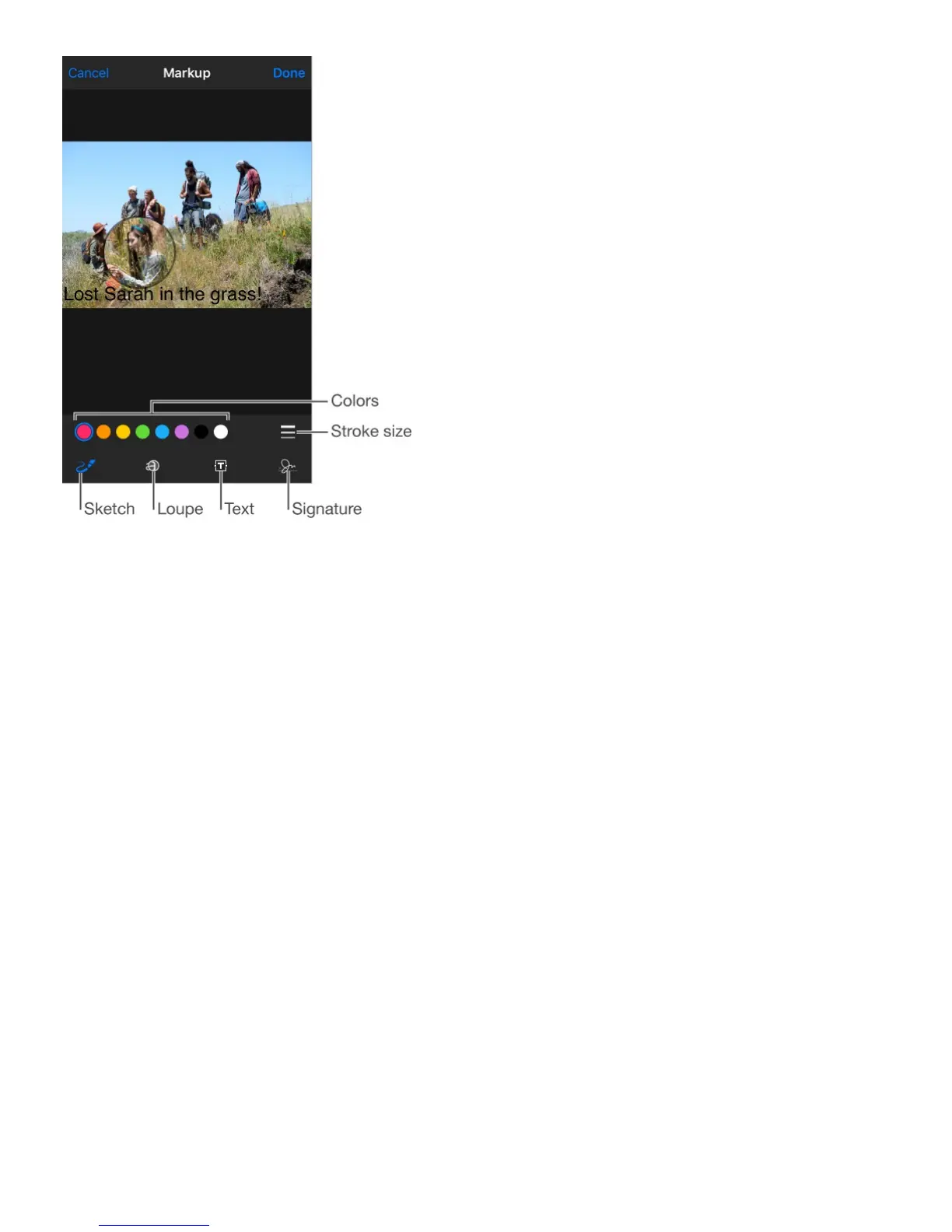
Open an attachment with another app. Touch and hold the attachment until a menu
appears, then tap the app you want to use to open the attachment. Some attachments
automatically show a banner with buttons you can use to open other apps.
See messages with attachments. The Attachments mailbox shows messages with
attachments from all accounts. To add it, tap Edit while viewing the Mailboxes list.
Add an attachment. See .
Send large attachments. Mail Drop lets you send files that exceed the maximum size
allowed by your email account. Tap Send when you’re ready to send a message with large
attachments, then follow the onscreen instructions to use Mail Drop.
Work with multiple messages
Move or mark multiple messages. While viewing a list of messages, tap Edit. Select
some messages, then choose an action. If you change your mind, shake iPhone
immediately to undo.
Manage a message with a swipe. While viewing a list of messages, swipe a message to
the left to reveal a menu of actions. Swipe all the way to the left to select the first action.
You can also swipe a message to the right to reveal another action. Choose the actions you



 To Next Page