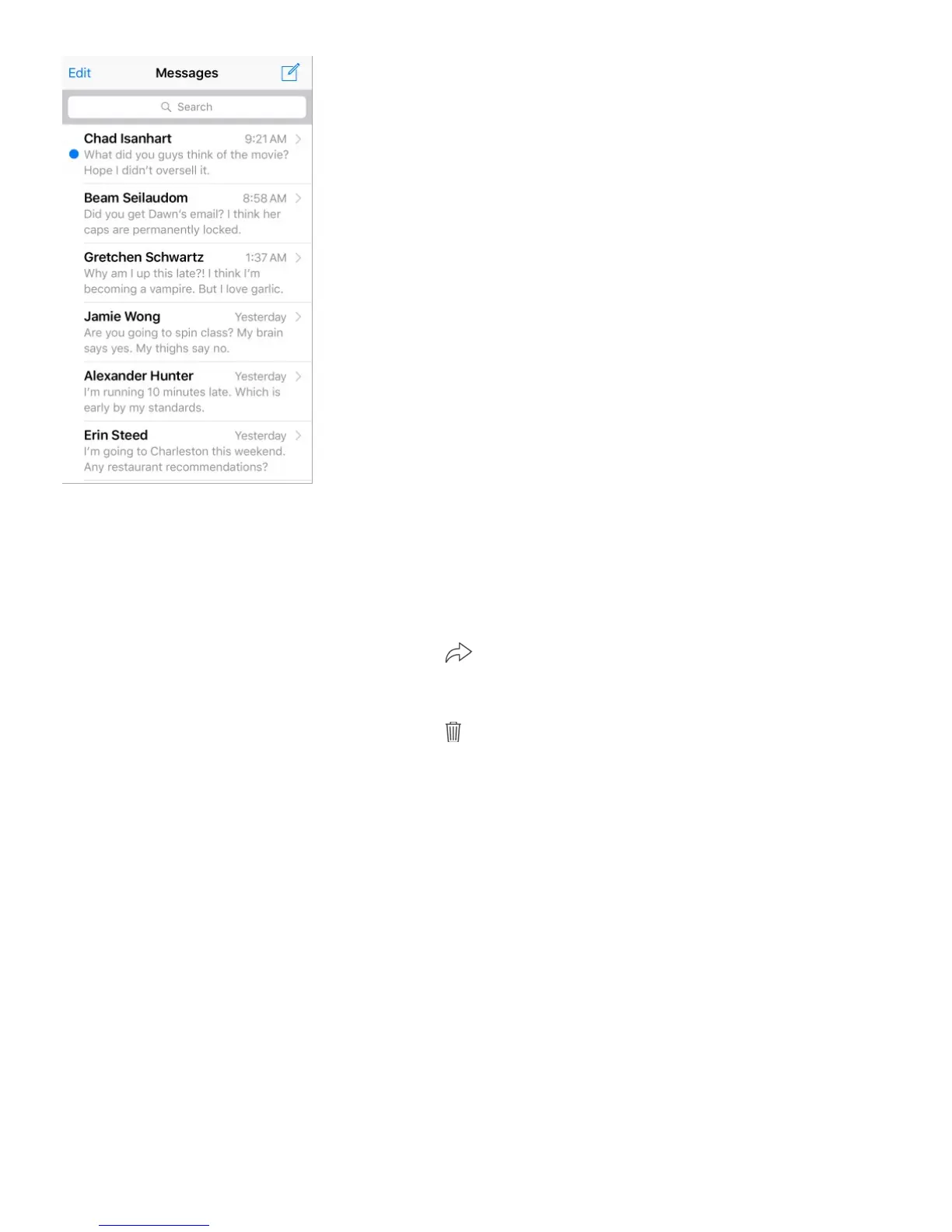
View the Messages list. In a conversation, tap Messages or swipe to the right. On iPhone
6 Plus and iPhone 6s Plus, you can also rotate iPhone to landscape orientation to see both
the Messages list and the selected conversation.
Forward a message or attachment. Touch and hold a message or attachment, tap More,
select additional items if desired, then tap .
Delete a message or attachment. Touch and hold a message or attachment, tap More,
select additional items if desired, then tap .
Delete a conversation. In the Messages list, swipe the conversation to the left, then tap
Delete.
Search conversations. In the Messages list, tap the top of the screen to display the search
field, then enter the text you’re looking for. You can also search conversations from the
Home screen. See .
Share photos, videos, your location, and more
With iMessage or MMS, you can send and receive photos and videos, and send locations,
contact info, and voice memos. The size limit of attachments is determined by your service
provider—iPhone may compress photo and video attachments when necessary.



 To Next Page