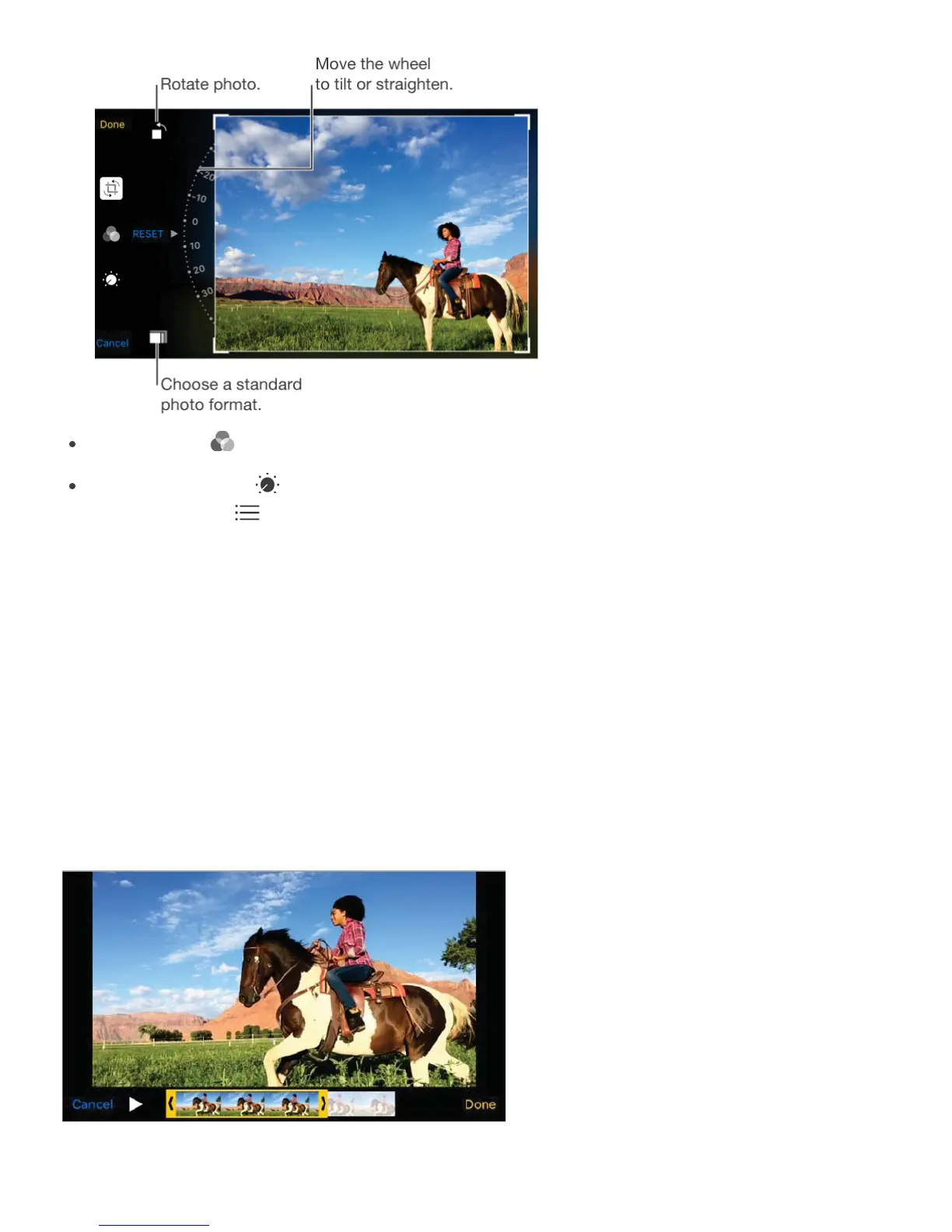
Photo filters let you apply different color effects, such as Mono or Chrome.
Tap Adjustments to set Light, Color, and B&W (black & white) options. Tap the down
arrow, then tap next to Light, Color, or B&W to choose the element you want to
adjust. Move the slider to the desired effect.
Compare the edited version to the original. Touch and hold the photo to view the original.
Release to see your edits.
Don’t like the results? Tap Cancel, then tap Discard Changes. Tap Done to save changes.
Revert to original. After you edit a photo and save your edits, you can revert to the original
image. Tap the image, tap Edit, then tap Revert.
Trim a video. Tap Edit to display the controls, drag either end of the frame viewer, then tap
Done. Tap Save as New Clip to save the new video clip in your Videos album.
Set the slow motion section of a video shot in Slo-Mo. (iPhone 5s and later) Use the



 To Next Page