Camera at a glance
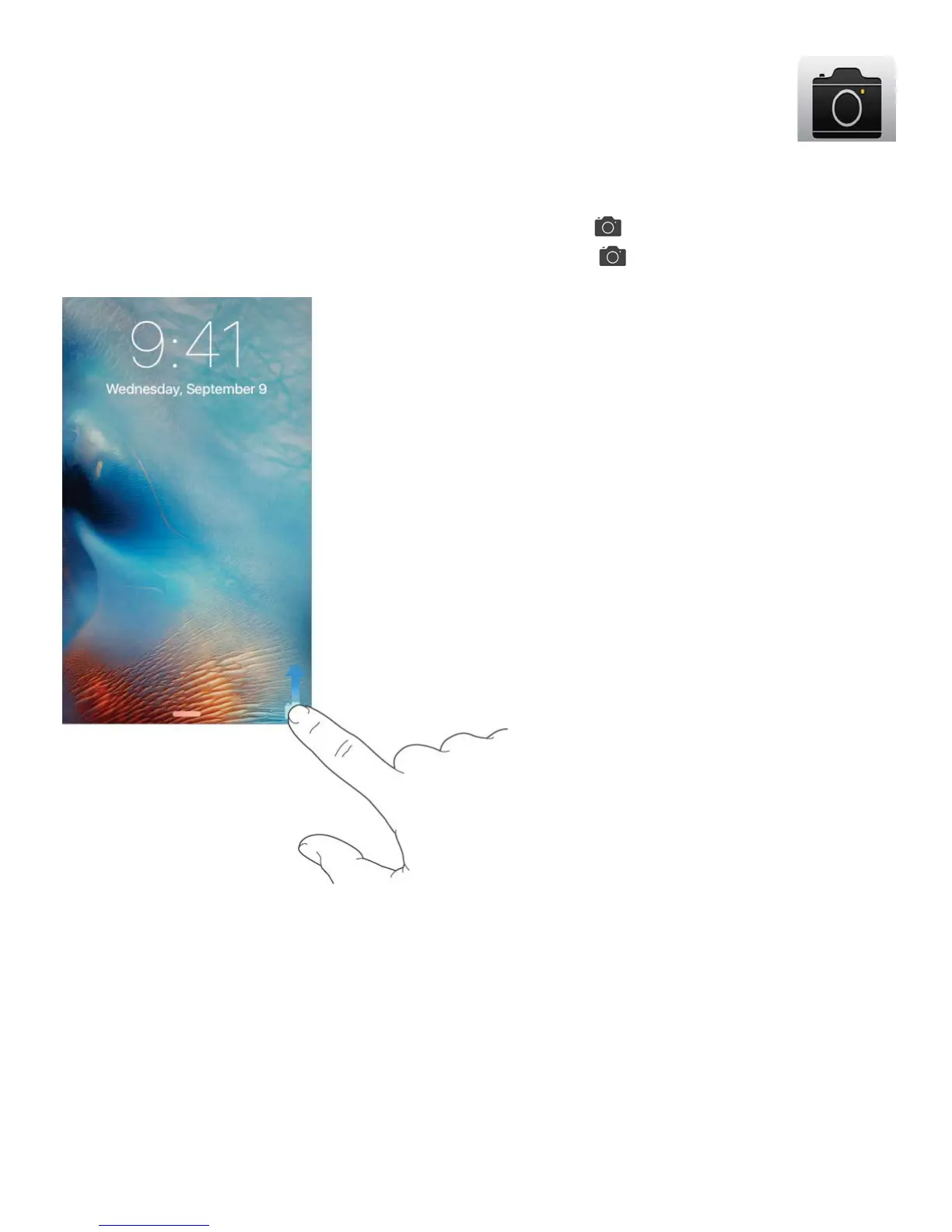
Quick! Get the camera! From the Lock screen, just swipe up. Or swipe up from the
bottom edge of the screen to open Control Center, then tap .
You can take still photos and videos with the iSight camera on the back of iPhone and the
FaceTime camera on the front. With iPhone 6s, iPhone 6s Plus, and iPhone SE, you can
take Live Photos. Live Photos goes beyond snapshots to capture life the way it happens—in
movement and sound.



 To Next Page