“What’s the weather for today?”
“How windy is it out there?”
“When is sunrise in Paris?”
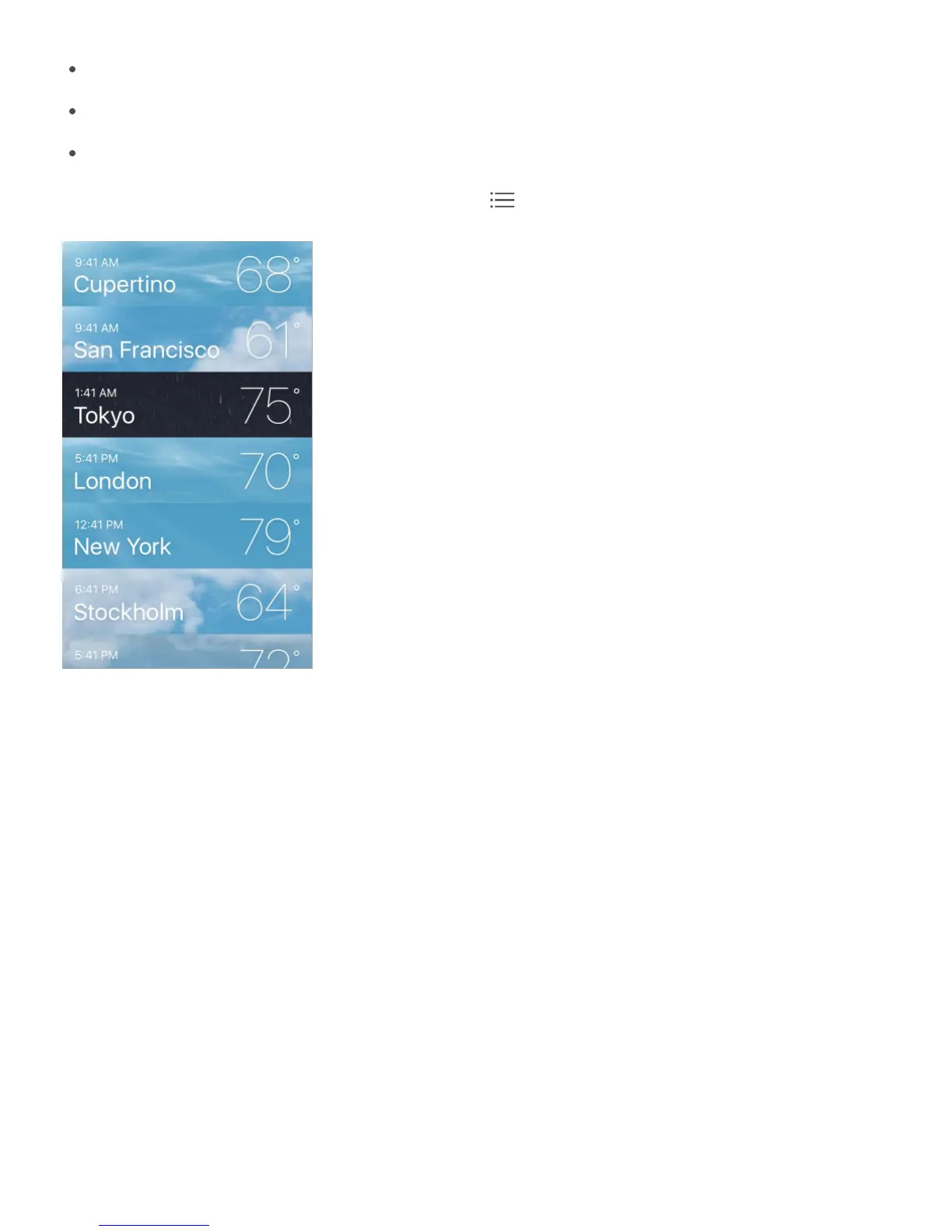
See all cities at once. Pinch the screen or tap .
Choose a forecast from the Home screen. On iPhone 6s and iPhone 6s Plus, press
Weather, then choose a location. Tap Add to add another location. See .
Preview a city’s weather. On iPhone 6s and iPhone 6s Plus, press a city in your list of
locations to peek at the weather forecast, then press a little deeper to open it.
Turn local weather on or off. Go to Settings > Privacy > Location Services. See .
Use iCloud to push your list of cities to your other iOS devices. Go to Settings >
iCloud, then turn on iCloud Drive. See .
3D Touch
Privacy



 To Next Page