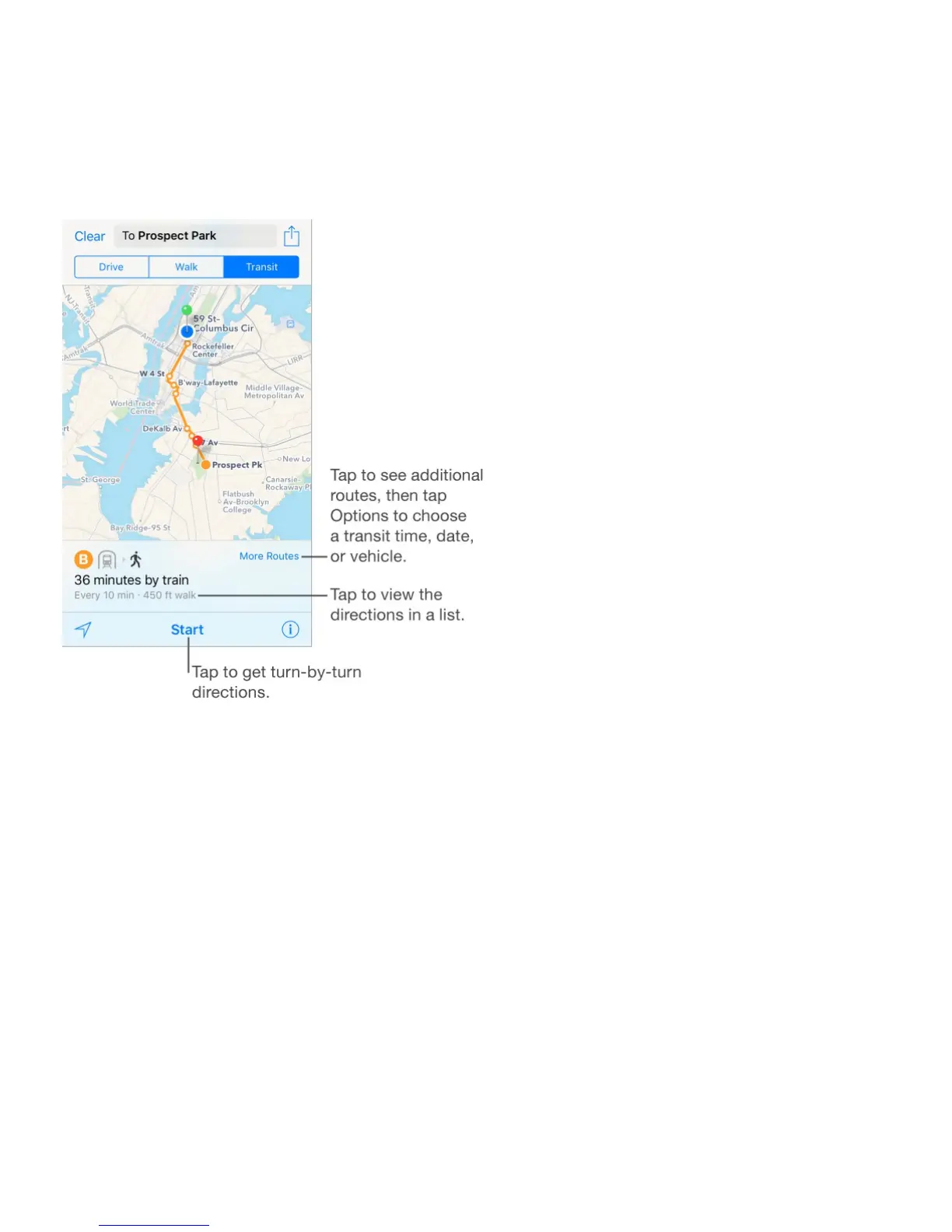
Change the view to show a driving, walking, or transit route. Tap Drive, Walk, or
Transit.
In select cities, Maps provides public transportation information and multi-modal routing,
from walking to a bus stop or train station to hopping off at your destination.
If transit routes are unavailable in your area, tap View Routing Apps to use an app for other
modes of transportation. (On iPhone 4s, tap Apps for other modes of transportation.)
Choose a transit time or date. Find a transit route, tap More Routes (below the map), tap
Options, then select a time or date for departure or arrival. You can also swipe up to choose
which transit vehicles to consider.



 To Next Page