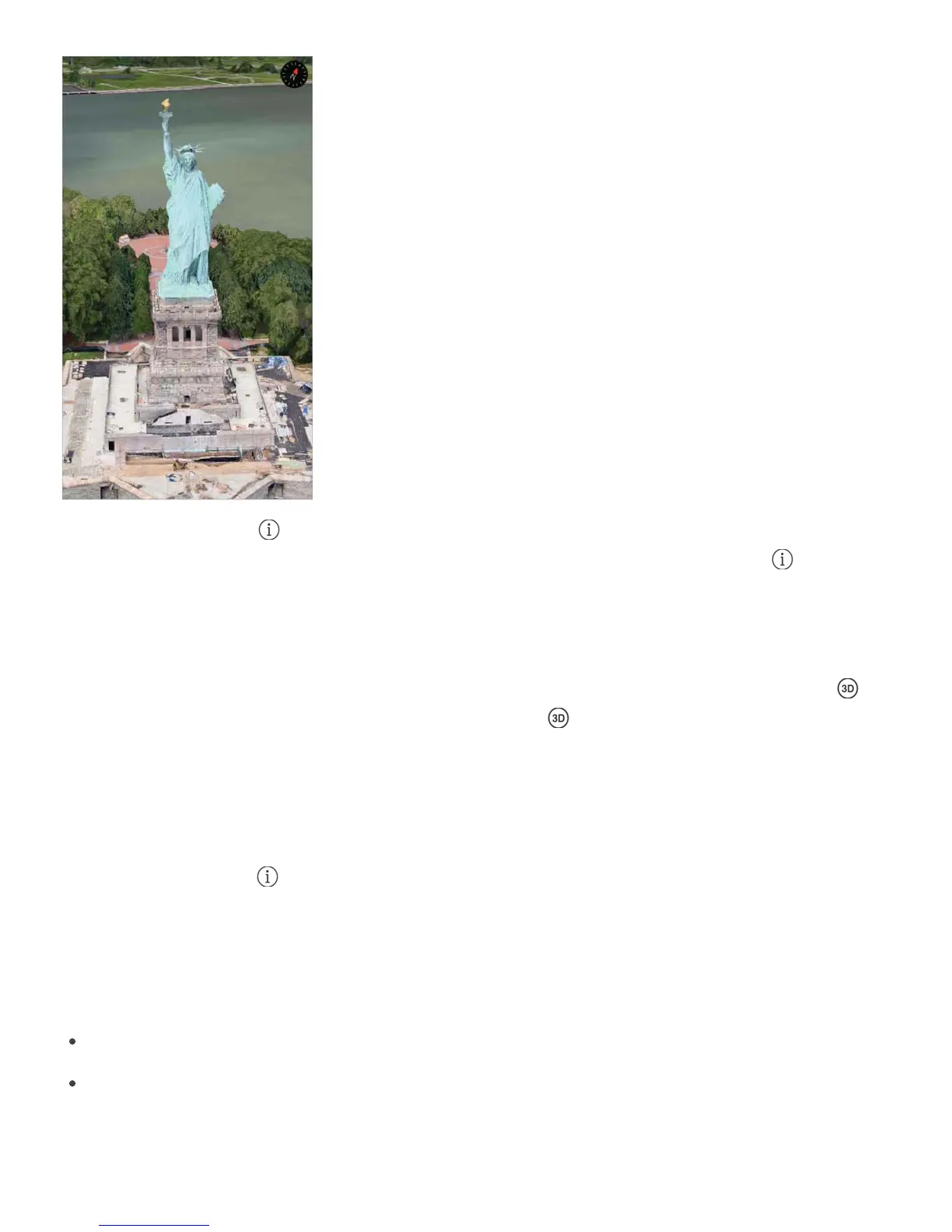
View a 3D map. Tap , then tap 3D Map. Or, drag two fingers up. (Zoom in for a closer
look if the 3D map doesn’t appear.) For best effect, use the satellite view. Tap , then tap
Satellite.
Adjust the angle. Drag two fingers up or down.
Take a 3D tour with Flyover. An aerial tour is available for select cities, indicated by
next to the city name. (Zoom out if you don’t see any markers.) Tap the name of the city
to display its banner, then tap Tour to begin the tour.
Aerial tours are also available for selected locations. Tap Flyover Tour in their banners.
To stop the tour, tap the screen to display the controls, then tap End Flyover Tour. To return
to standard view, tap , then tap Map.
Maps settings
Go to Settings > Maps, where you can:
Change the navigation voice volume, or choose no voice
Turn Pause Spoken Audio on (so that spoken audio, such as a podcast or an audio
book, automatically pauses when Maps speaks a turn-by-turn instruction). This setting is
enabled only when the navigation voice volume is set to Normal Volume or Loud



 To Next Page