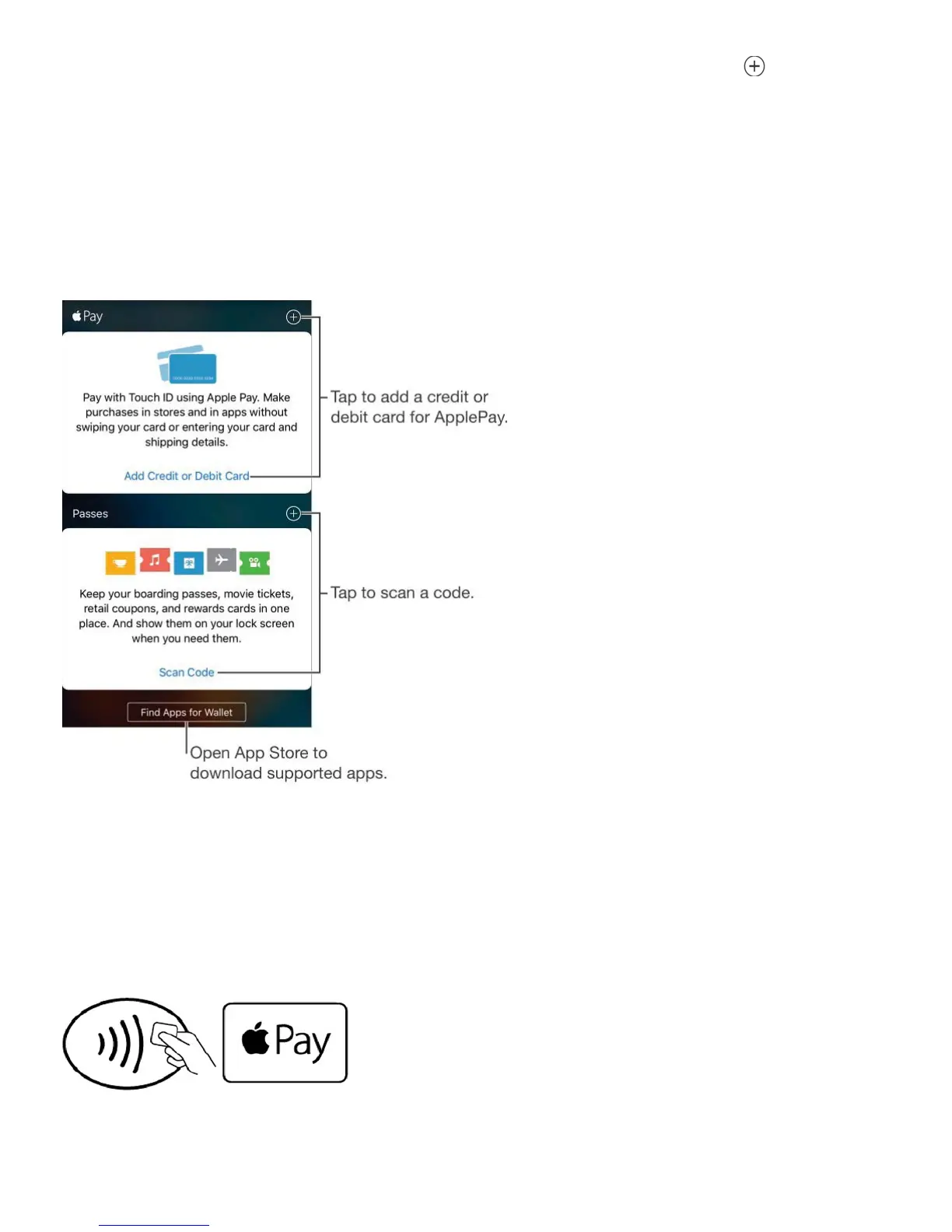
aren’t the primary cardholder—see ). Next to Apple Pay, tap , then tap
Next on the screen that follows. You are presented with the last four or five digits of the card
on file. Enter the security code for the card, then tap Next.
Note: The card issuer determines if your card is eligible to use with Apple Pay, and may ask
you to provide additional information to complete the verification process. Many credit and
debit cards can be used with Apple Pay. For information about Apple Pay availability and
current card issuers, go to .
Set your default card. The first card you add to Wallet becomes your default card for
payments. To use a different card as your default, touch and hold the card in Wallet, then
drag it to the front of your credit and debit cards in Wallet.
Pay at a contactless card reader. Contactless card readers, marked with the following
symbols, are usually located near cash registers.
To pay using your default card, hold iPhone with your finger on Touch ID about an inch (or
2.5 cm) away from the symbol on the reader, until iPhone vibrates. You hear a beep and see
Family Sharing



 To Next Page