“Read my work to-do list”
“Remind me to call my mom at 5”
Delete a list. While viewing a list, tap Edit, then tap Delete List. All of the reminders in the
list are also deleted.
Delete a reminder. Swipe the reminder left, then tap Delete.
Change the order of lists. Touch and hold the list name, then drag the list to a new
location. To change the order of items in a list, tap Edit.
What list was that in? Scroll to the top to see the search field. All lists are searched by the
reminder’s name.
With OS X Yosemite or later, you can hand off reminders you’re editing between your Mac
and iPhone. See .
Scheduled reminders
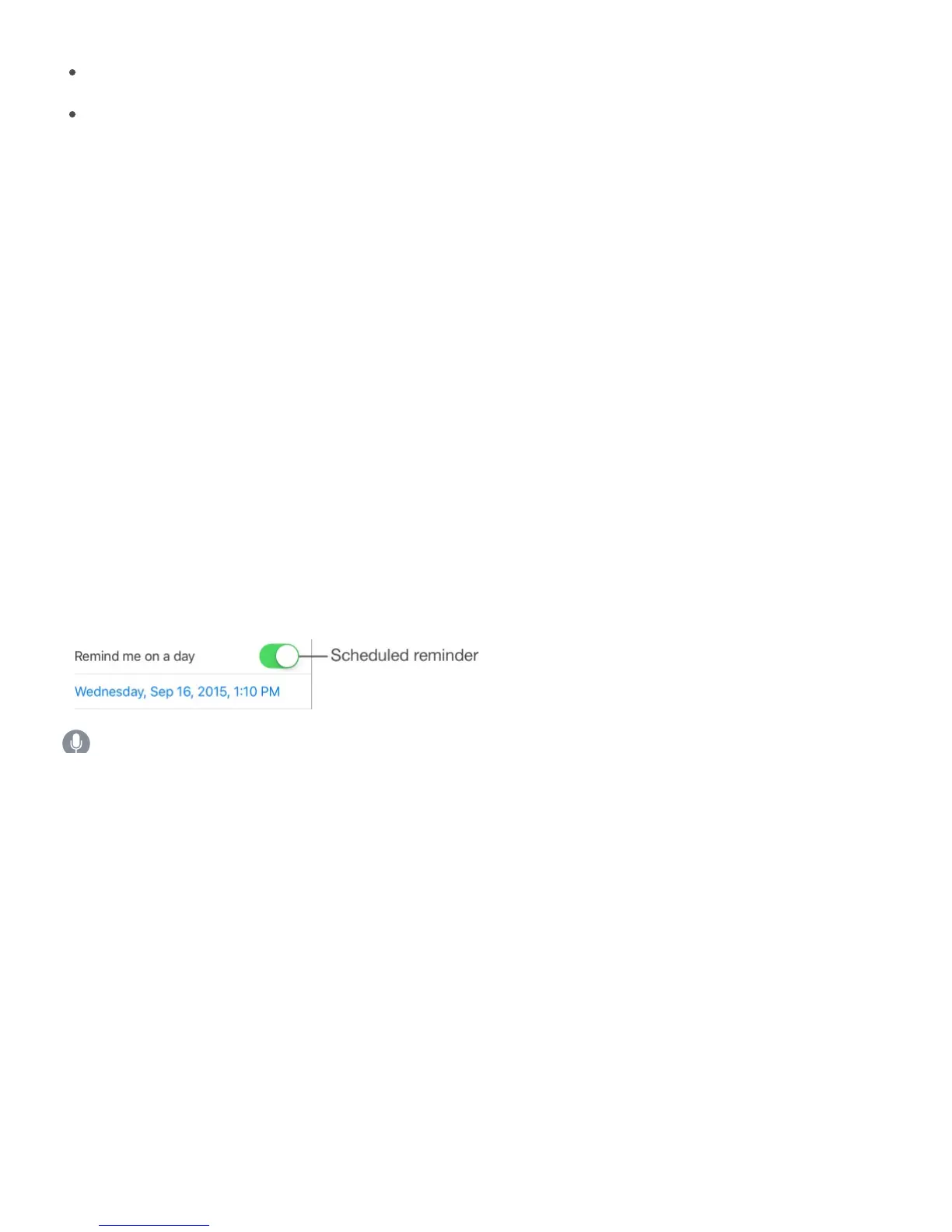
Scheduled reminders notify you when they’re due.
Ask Siri. Say something like: “Remind me to take my medicine at 6 a.m. tomorrow.”
Schedule a reminder. Swipe a reminder to the left, tap More, then turn on “Remind me on a
day.” Tap Alarm to set the date and time. Tap Repeat to schedule the reminder for regularly
occurring intervals.
Don’t bother me now. You can turn off Reminders notifications in Settings > Notifications.
To silence notifications temporarily, turn on Do Not Disturb.
Location reminders



 To Next Page