episodes, and more.
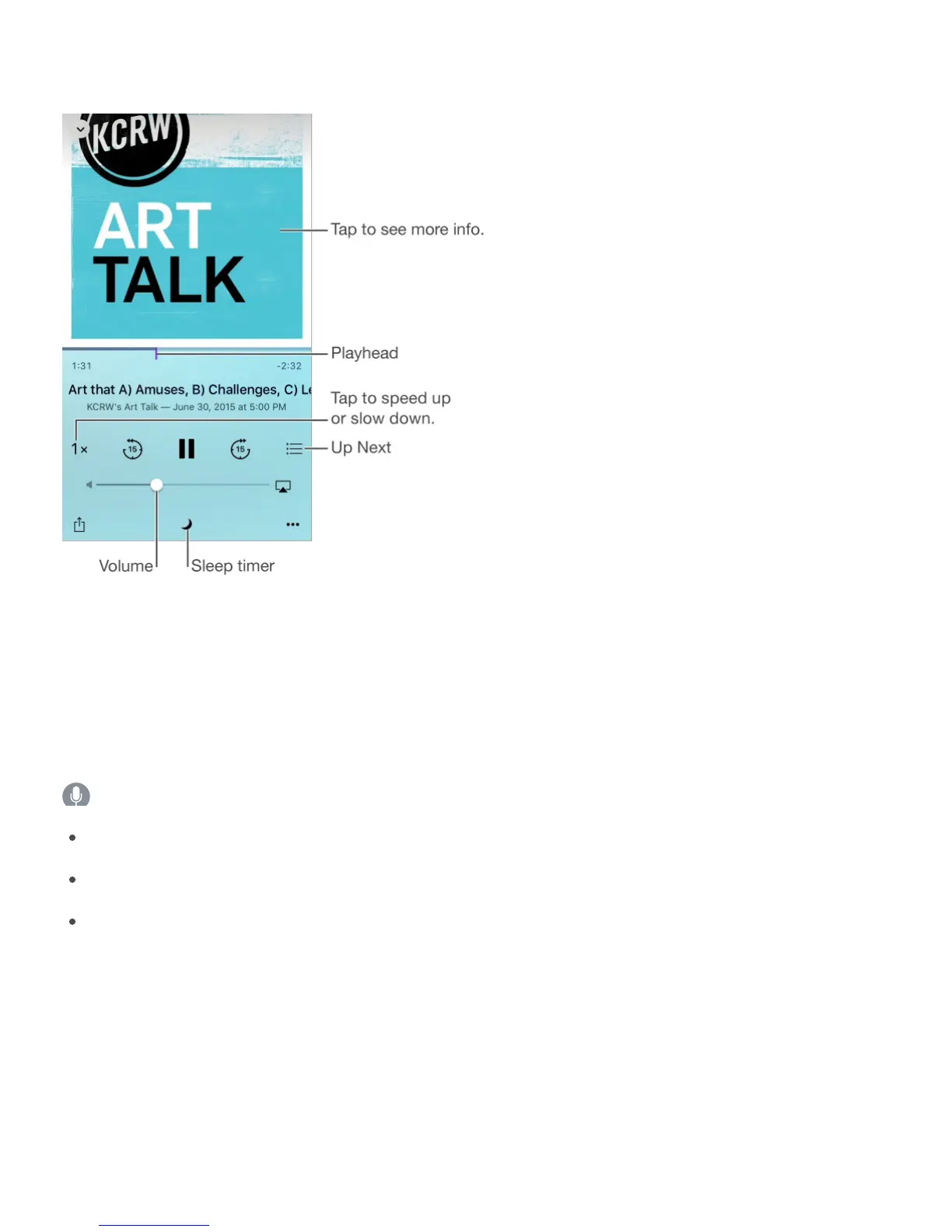
See podcast info while you listen. Tap the podcast image on the Now Playing screen.
Skip forward or back with greater accuracy. Move your finger toward the top of the screen
as you drag the playhead left or right. When you’re close to the playback controls, you can
scan quickly through the entire episode. When you’re close to the top of the screen, you can
scan one second at a time.
Ask Siri. Say something like:
“Play podcasts”
“Play it twice as fast”
“Play ‘Freakonomics Radio’ podcast”
Organize your favorites into stations
Organize your favorite podcasts into custom stations, and update episodes automatically
across all your devices.



 To Next Page